A research survey for your thesis or project
Collect data for a term paper, thesis, dissertation or project. Pollsar is an online questionnaire tool: the AI assistant drafts your research questionnaire from your topic and hypotheses, the survey closes at your target number of responses, and you export the response table for SPSS, R and Excel.
A survey, test or poll for your study
Thesis questionnaire
The AI assistant drafts it from your topic and hypotheses; you add agreement scales and a screening question in the builder, then move the response table into your results chapter. For a master's thesis, an expert survey works well: experts rate factors on a scale and rank them.
Survey for a term paper
Build a short questionnaire of up to 10 questions for free, with no credit card. To survey your classmates, post the link in your class group chat. The summary with a chart for every question is ready right away, so all that's left is to describe it in your paper.
Survey for a school project
A questionnaire of up to 10 questions fits the free plan: send the link to your class or group chat and drop the charts for each question into your presentation slides. No topic yet? Take the ready-made recycling survey: it asks whether people sort their trash and what gets in the way.
Social science survey
Add a demographics block and an opinions block, and share the link on social media and in chats: Pollsar calculates the share of each answer and closes the survey at the number of responses you need. To see how it works, open the ready-made public opinion survey on trust in public institutions.
Scored psychology test
Pollsar adds up the points for each scale in its own variable and shows participants their result on the final page, and the scores land in the table next to the answers. That's how the ready-made Big Five personality test with 50 statements works.
Analyzing the results
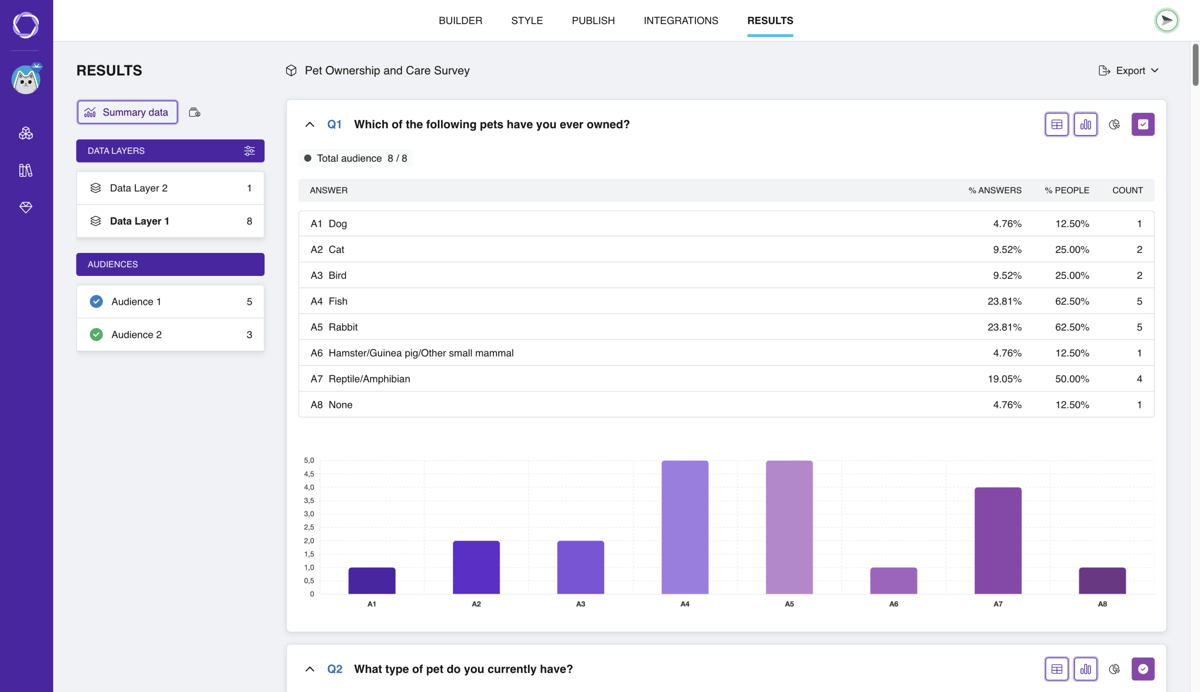
Pollsar builds the summary and charts for each question on its own. Each new response can go straight into Google Sheets as a row, with scores and completion time, and you export the whole table to CSV or XLSX for SPSS, R and Excel, one row per participant.
AI drafts it, the findings are yours
Describe your topic, hypotheses and who you're surveying: “undergrads, years 1–4; seniors are more likely to work while studying.” The AI assistant builds questions, answer options and scales; you fit the wording to your methodology.

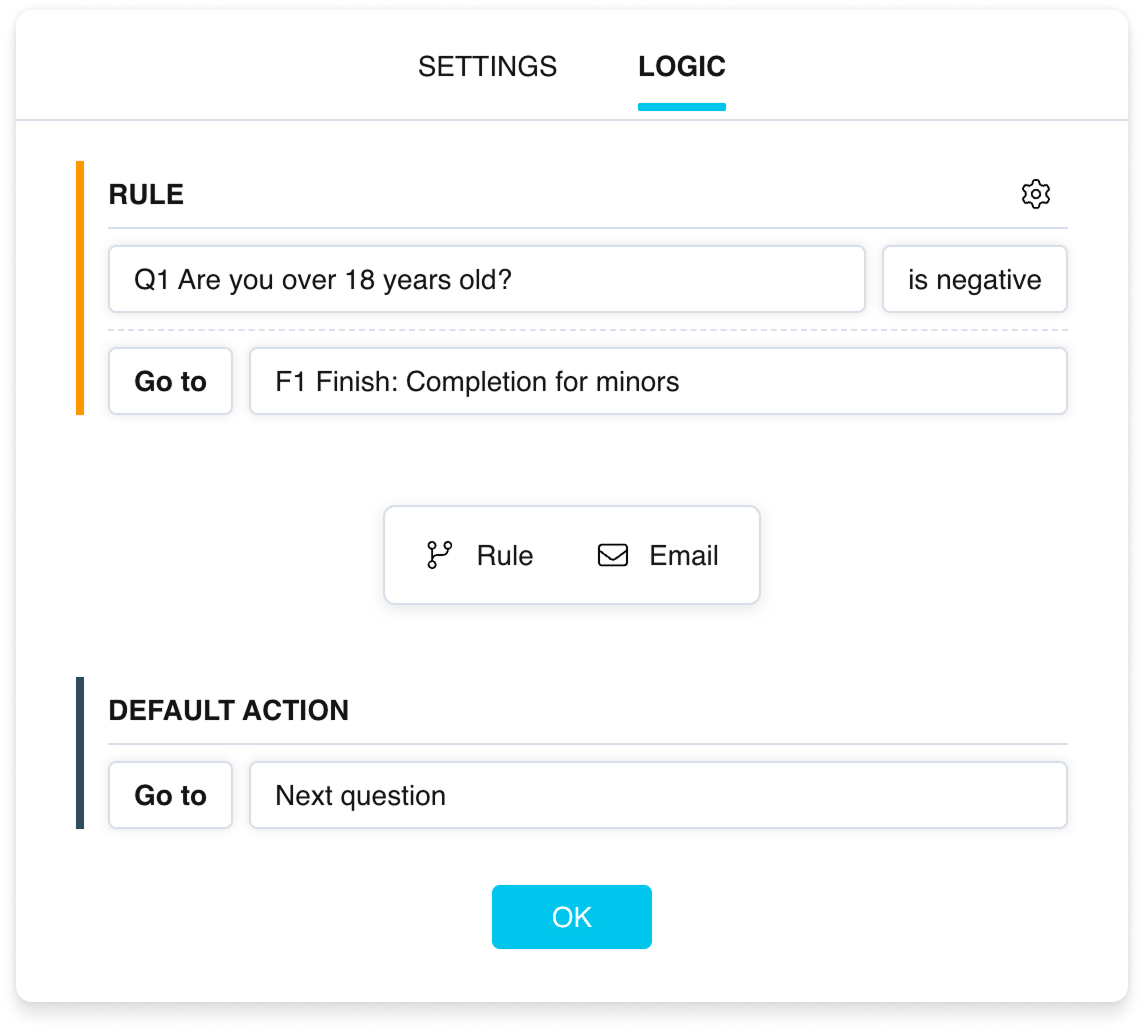
The assistant reviews the questionnaire: it flags leading wording, double-barreled questions like “Are the lectures and assignments clear to you?” and logic branches no participant will ever reach.
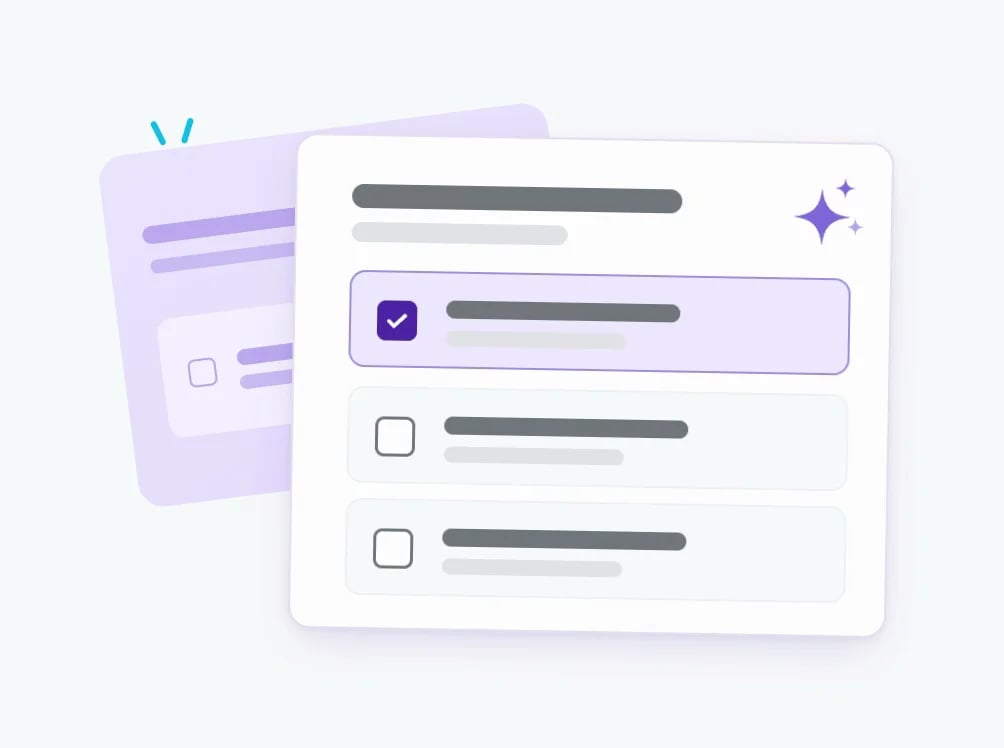
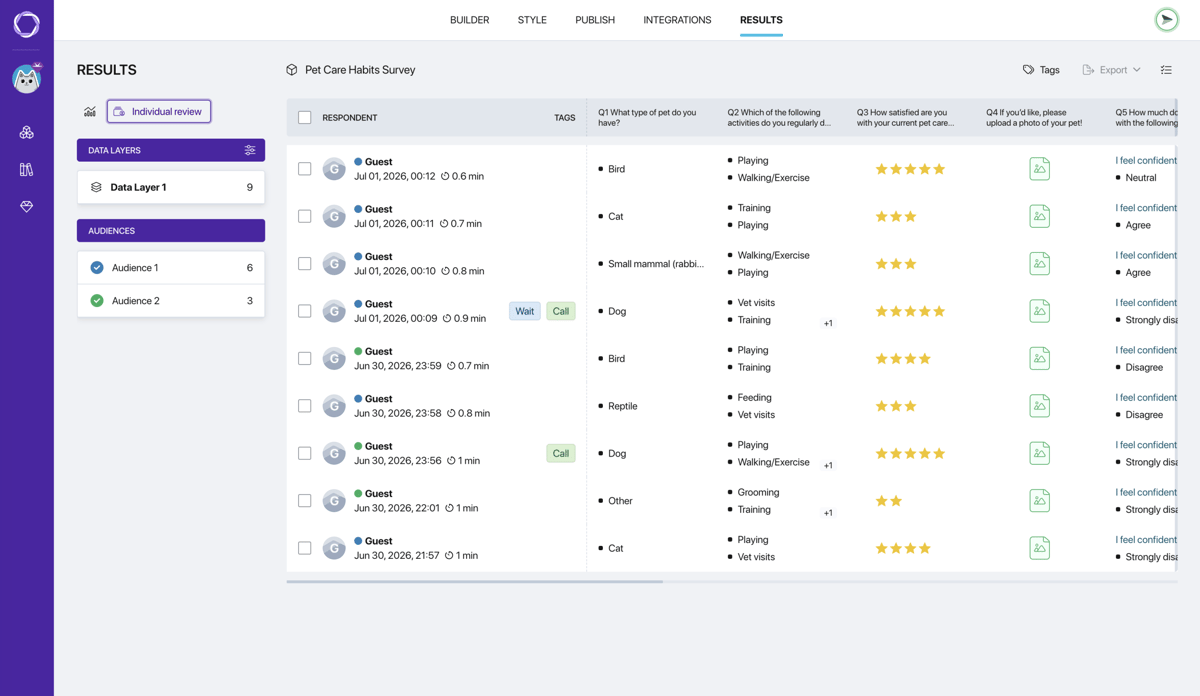
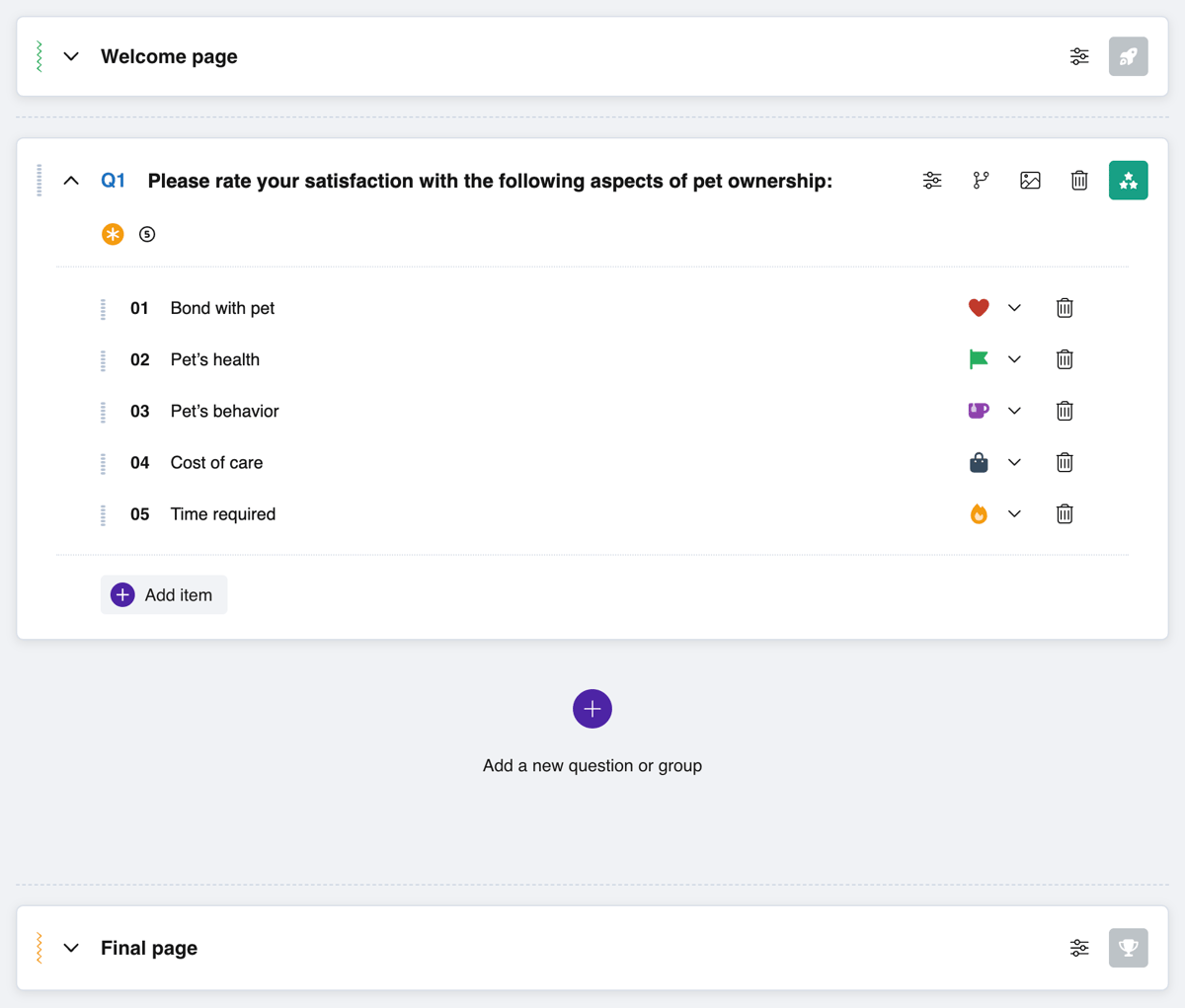
Build a block of Likert-scale statements as a single matrix and screen out people outside your target group with a screening question: their responses aren't saved, so only your target participants stay in the table. Answer options and statements can be shuffled.
Once responses are in, the assistant reviews each question's distribution and drafts a description of the results. You test the hypotheses yourself in SPSS, R or Excel after export.
From idea to first answers
Research questionnaires and tests

Trust in public institutions survey
Trust levels, how often people use public services, what shapes trust and what would raise it.
Open template
Big Five personality test
50 statements with ready-made scoring for all five traits, and each participant sees their profile.
Open template
Social media and online communities survey
Comfort and trust in online communities and where tension grows.
Open template
Short Big Five personality test
20 statements instead of 50, for when personality is just one part of a longer questionnaire.
Open template
Social inequality survey
Visible social gaps, equal access to education and growth, and what would level the playing field.
Open template
Recycling survey
How often people sort trash and what gets in the way. 7 questions, a project topic.
Open template
Cultural diversity survey
How easy it is to talk with people from other backgrounds and what gets in the way.
Open template
Volunteer survey
What motivates people to join volunteer projects and what holds them back. 7 questions.
Open template
Personal boundaries survey
What people see as crossing a line, how easily they share personal things and say no.
Open template
City life survey
How residents get around, which public spaces they use and what they would change.
Open templateWhy a research survey is easier to run in Pollsar
You catch survey mistakes before the main round
The draft, test run, link and summary are free forever, with no credit card: pilot the questionnaire with a few friends and fix whatever confused them. Turn on matrices and export only for the data collection period.
You don't type responses into a spreadsheet
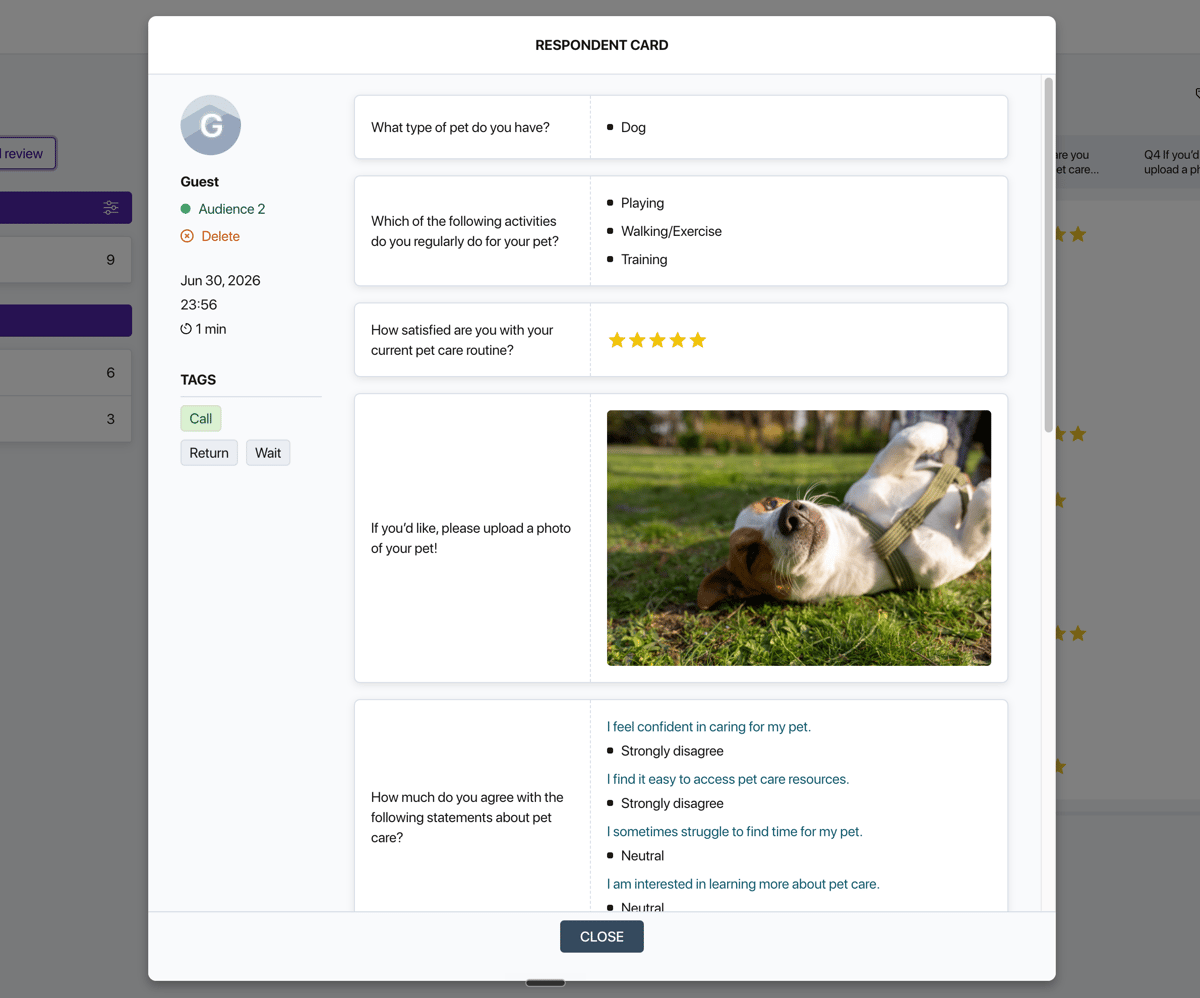
Each response becomes a row right away, with scale scores and completion time, ready to export to SPSS, R or Excel. A screening question keeps out the wrong participants, so only the people you need reach your export.
You get a comparison ready for your results chapter
Up to five groups, such as control and experimental, get their own links and limits, and the summary opens for each one separately. The post-test is stored as a separate wave next to the first, so there's no tallying differences across tables by hand.
You get your advisor's sign-off faster
Your advisor or co-author opens the questionnaire in your team, edits questions before launch and checks the results whenever it suits them. No screenshots or files by email, and comments don't get lost in the thread.
You keep your data clean even after edits
While the survey is open, Pollsar won't let you reorder questions and warns you if a change would distort or delete responses already collected. Your first and last participants answer the same questionnaire, so you never have to start over.
You reach your sample size faster
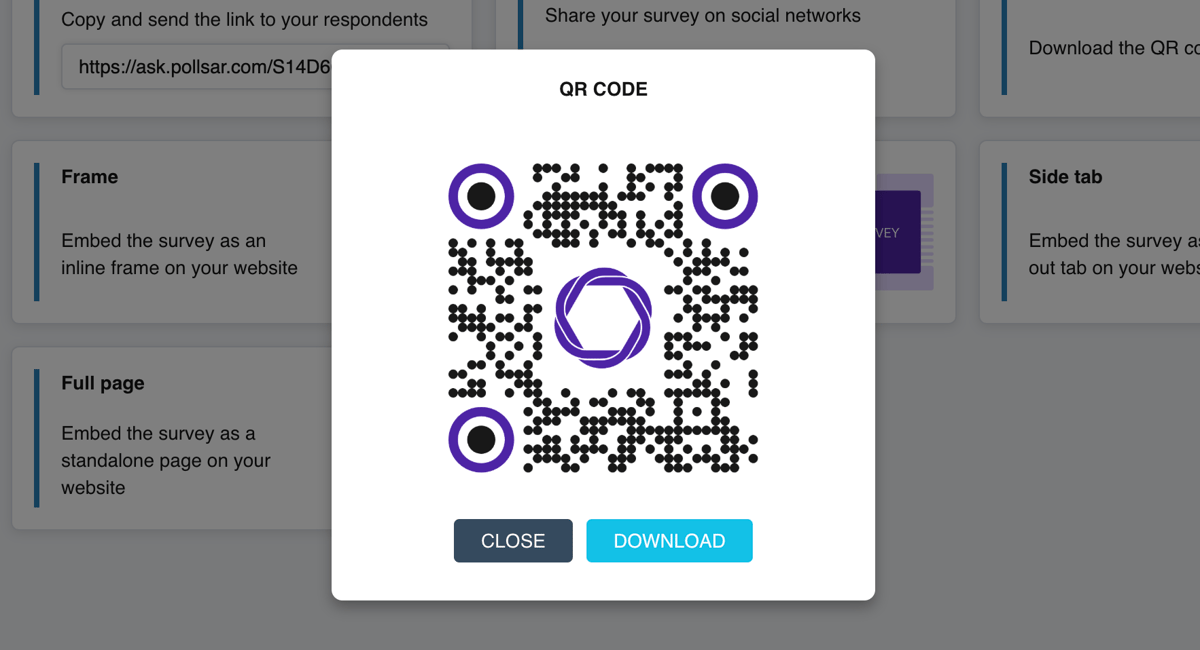
The survey opens from a link or QR code in the browser, with no sign-up or app, so people fill it out between classes. The fewer steps to the first question, the fewer abandoned surveys and the sooner you hit the number of responses you need.
Before you collect data
Collect clean data
A leading question skews every answer to it, and you can't re-ask once the data is in. A screening question keeps the wrong participants out of your table, and completion time exposes random clickers. Let Pollsar catch the flaw before you collect, not your committee at the defense!