Quiz maker for teachers: tests and surveys for students
Pollsar is a quiz, survey and questionnaire tool for school teachers, college instructors, online course creators and online schools. Pollsar's AI assistant builds a quiz on your lesson topic, and before the unit test you see what the class understood and how each student answered.
Quizzes and surveys for any class
Topic quiz or review game
A quiz maker for teachers: build an online quiz for students, from a knowledge check on a topic to a review game. Add images to questions and to answer options, show a hint after a wrong answer, and let Pollsar total the points and the grade.
Exit ticket and reflection
3–5 questions on the topic, a smiley rating and the open question “What's still unclear?” The summary shows right away which topic to reteach, and the open answers tell you where to start the next lesson.
Pre-test and post-test
Give a diagnostic pre-test at the start of the school year, then run the same test as a new wave after review and compare answers before and after. You see which topics the class has caught up on and which to revisit before the unit test.
Get-to-know-you student survey
Learn students' interests, clubs and where they need help when you meet a new class, students move up to middle school or college freshmen arrive. For homeroom or advisory, try a strengths quiz where classmates pick each other's strengths.
Parent questionnaire
Get to know families before back-to-school night, pick a meeting date and ask about lunch and activities. A school or preschool psychologist learns about the child before the first meeting. Parents answer from the class chat link, no sign-up.
Course and instructor feedback
After an online course module or at the end of the semester: a star rating, what was unclear and how likely they are to recommend the course on the NPS scale. For professional development courses, use the ready-made training evaluation form.
How a scored quiz works
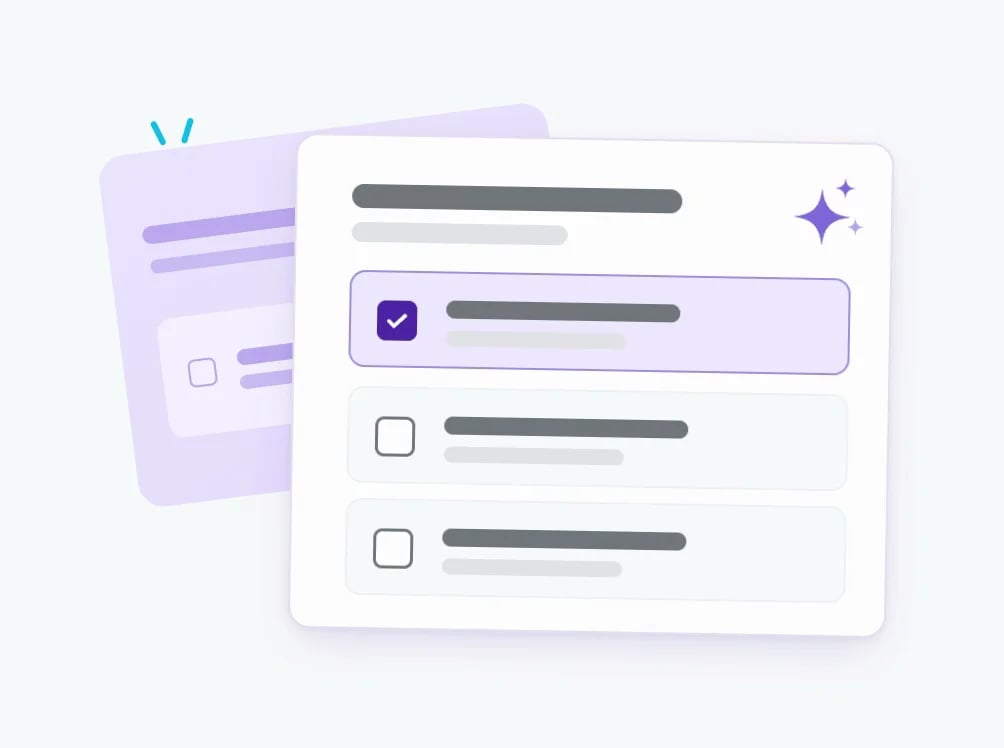
Describe the topic, grade and number of questions, or paste your notes on a textbook section: the AI assistant suggests multiple-choice questions and rewrites any question in simpler words. You adjust the wording to your curriculum.
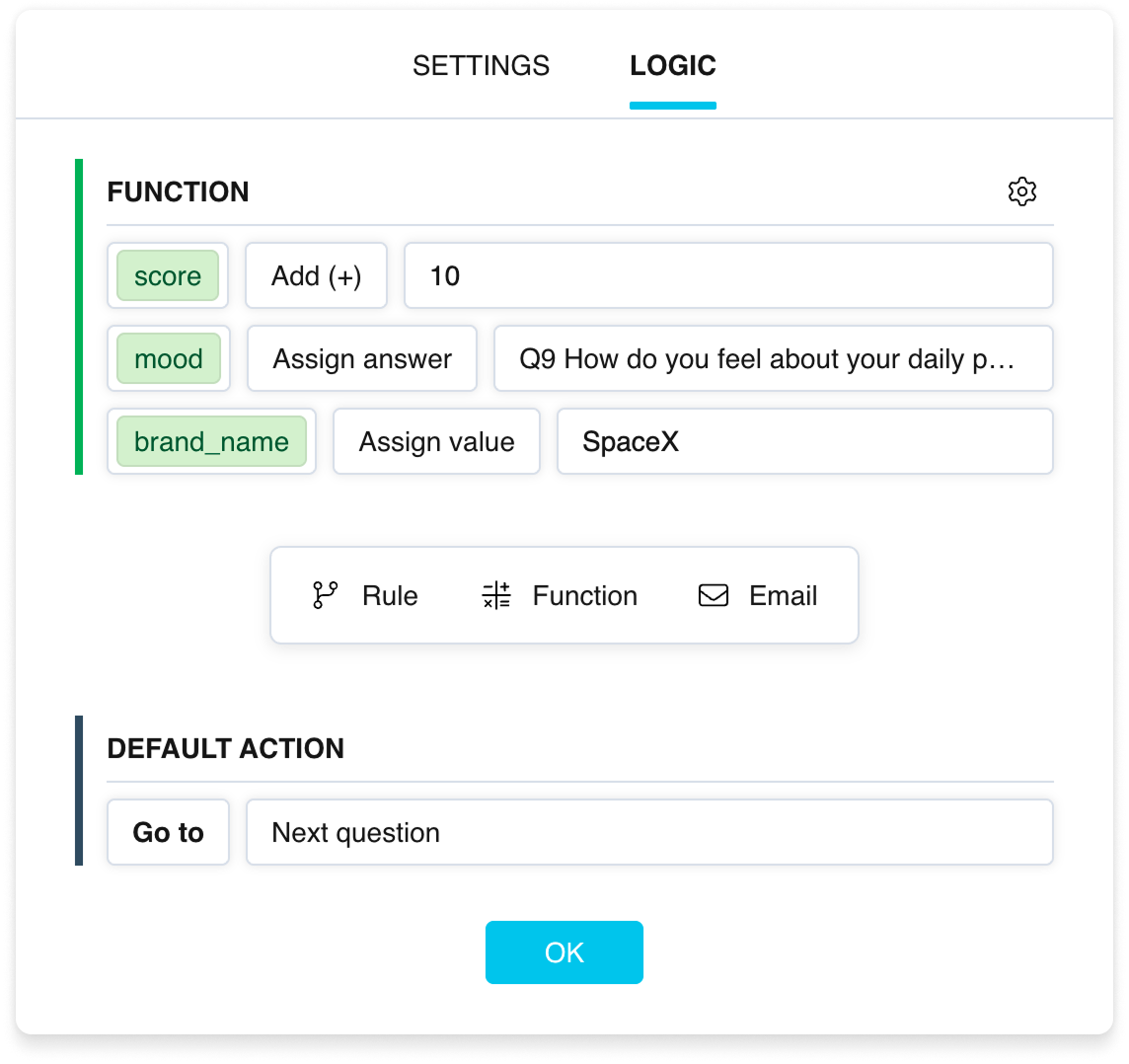
Tell the AI assistant which answers are correct and it sets up the scoring rules; Pollsar adds a point for each correct answer. Students see their result based on the total: 9–10 points get “Excellent,” 7–8 get “Good job,” and everyone else gets a link to the section to review.
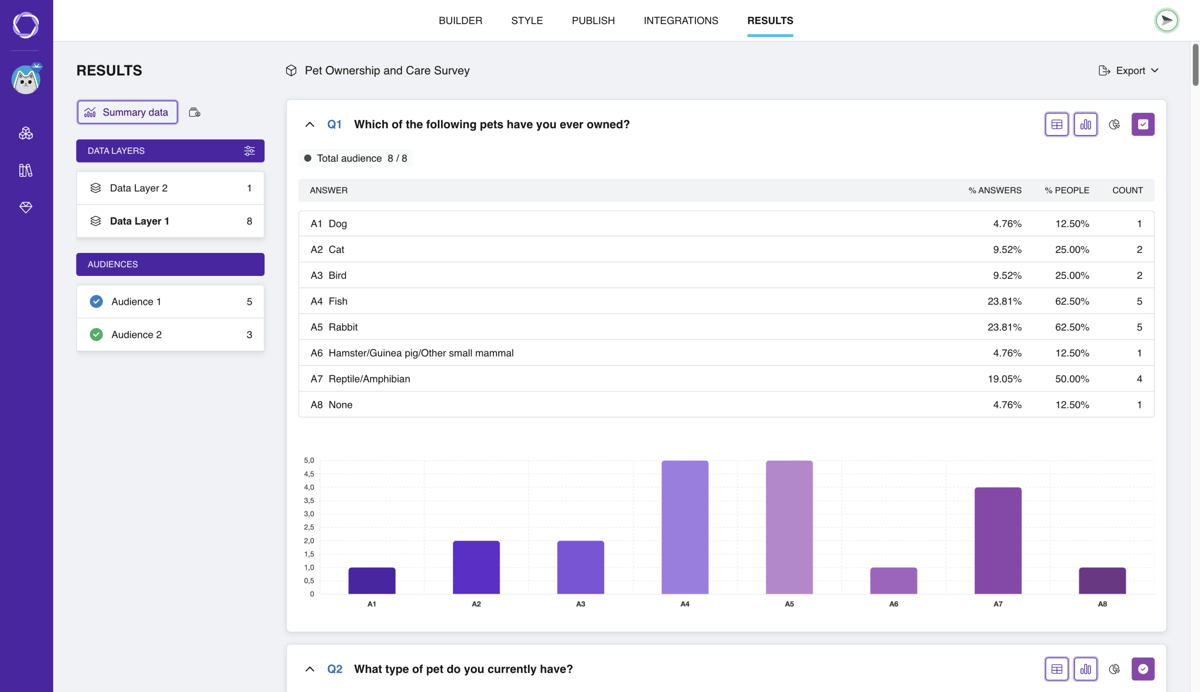
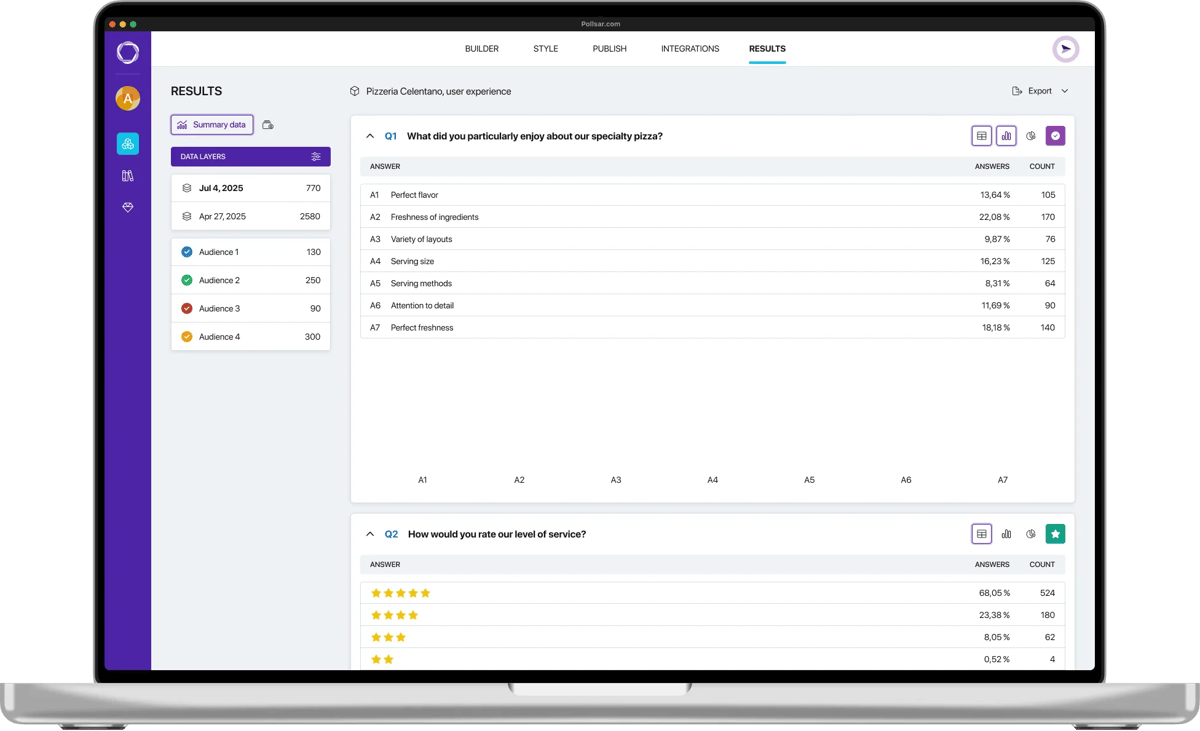
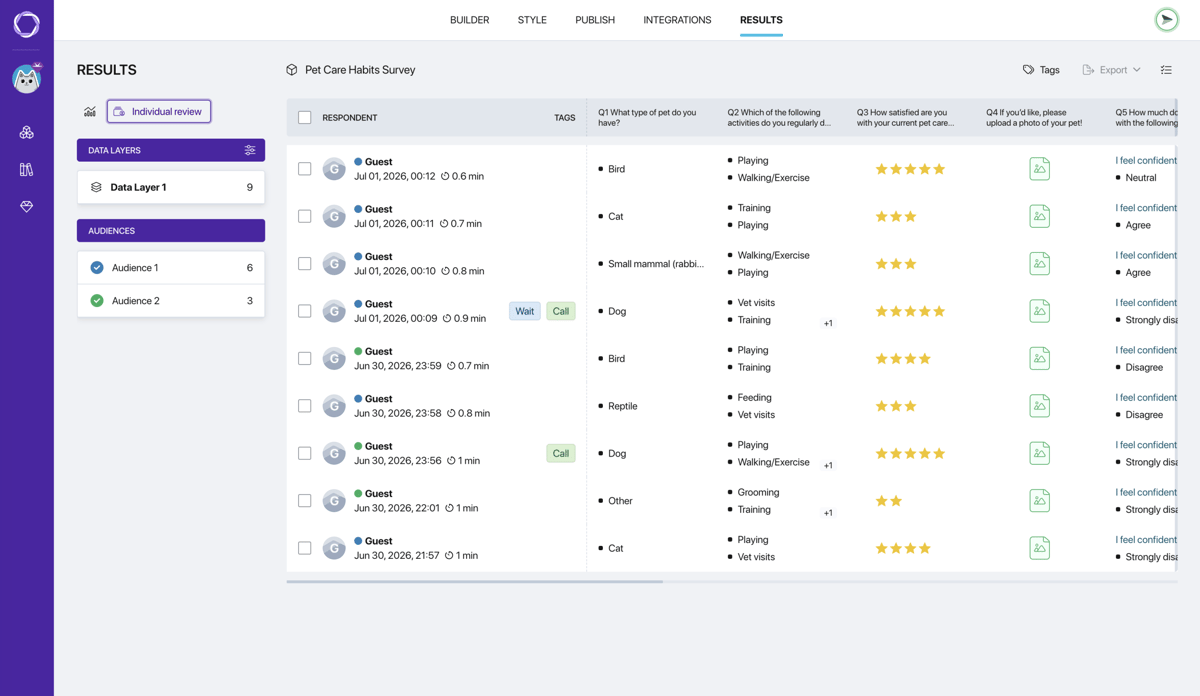
Each student gets a row with their score in the responses table, so you see who slipped where. The AI assistant reviews the class summary: which question tripped up the most students and which topic to review next lesson.
Ready for your next class
Templates for your class

Homework feedback survey
Do your comments on assignments actually help, and what would make them more useful?
Open template
End-of-semester student reflection survey
How students review their results and what holds them back.
Open template
Student motivation and self-discipline survey
What drains motivation and what helps students stay focused.
Open template
Strengths quiz
Students pick 5 of 16 qualities, and classmates pick the 5 they see in them. A new-class icebreaker.
Open template
Technology in education survey for students
Which digital tools help students learn and which get in the way.
Open template
Training evaluation form
Whether the course paid off at work and what got in the way. For professional development.
Open template
Recycling survey
How often students sort their trash and what gets in the way. For a class on the environment.
Open template
Climate change survey
What worries people about climate change and whom they trust. For a geography project.
Open templateWhy teachers find Pollsar easier to work with
You don't spend your evening grading quizzes
The AI assistant builds a quiz on your lesson topic, and Pollsar adds up the points for correct answers while students respond. By the bell, the class summary and each student's response are ready: no papers to collect or tally.
You hear from every parent, not just the vocal few
Replies don't get lost in the chat thread: each family picks an option from the link in the group chat, and you see the shares and every family's answer. People are more candid about awkward topics, since only you see the answers.
You start a quiz with the whole class in a minute
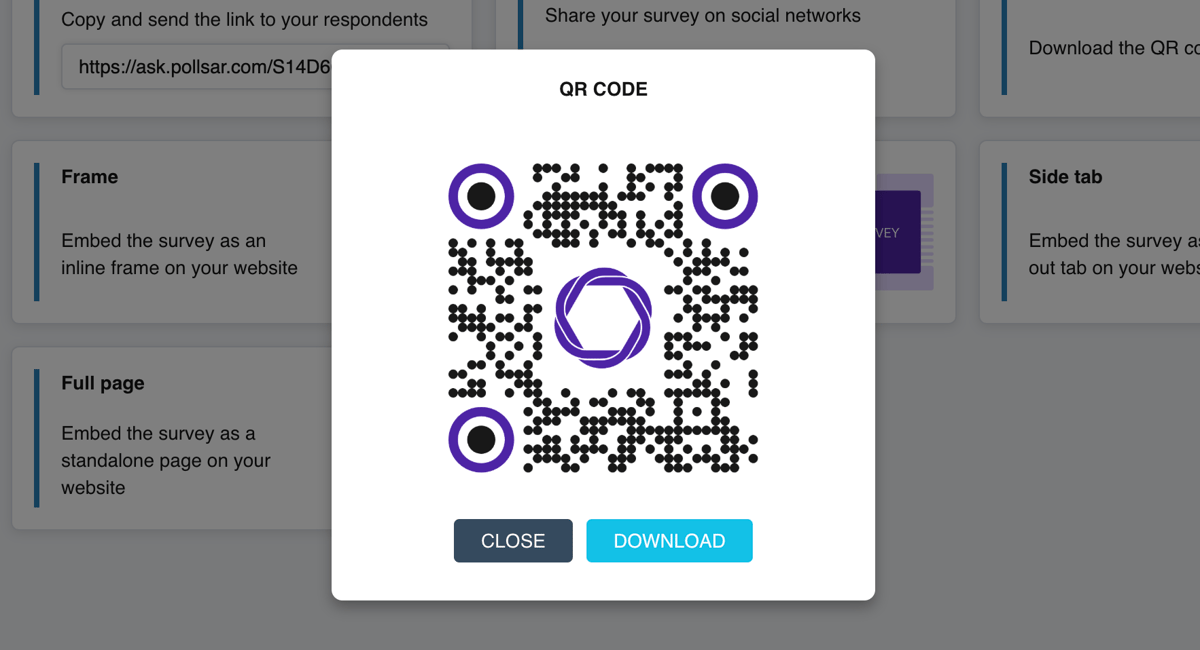
Students open it from a QR code on the screen or a link in the chat, on a phone or computer, with no account or password. No app and no computer lab needed, and no lesson time goes to signing everyone up.
You see each student's honest result
Cheating gets harder: PIN entry, shuffled options and question order, and a time limit mean classmates side by side see a different quiz. And the response time gives away anyone who finished in thirty seconds.
You don't hunt for homework in chats and email
Students attach a notebook photo or a PDF up to 4 MB, and the file opens right in their response, next to the answers. Worked problems, drawings and lab reports are collected by class, and you see at once who has turned theirs in.
You don't wait for the school to buy a platform
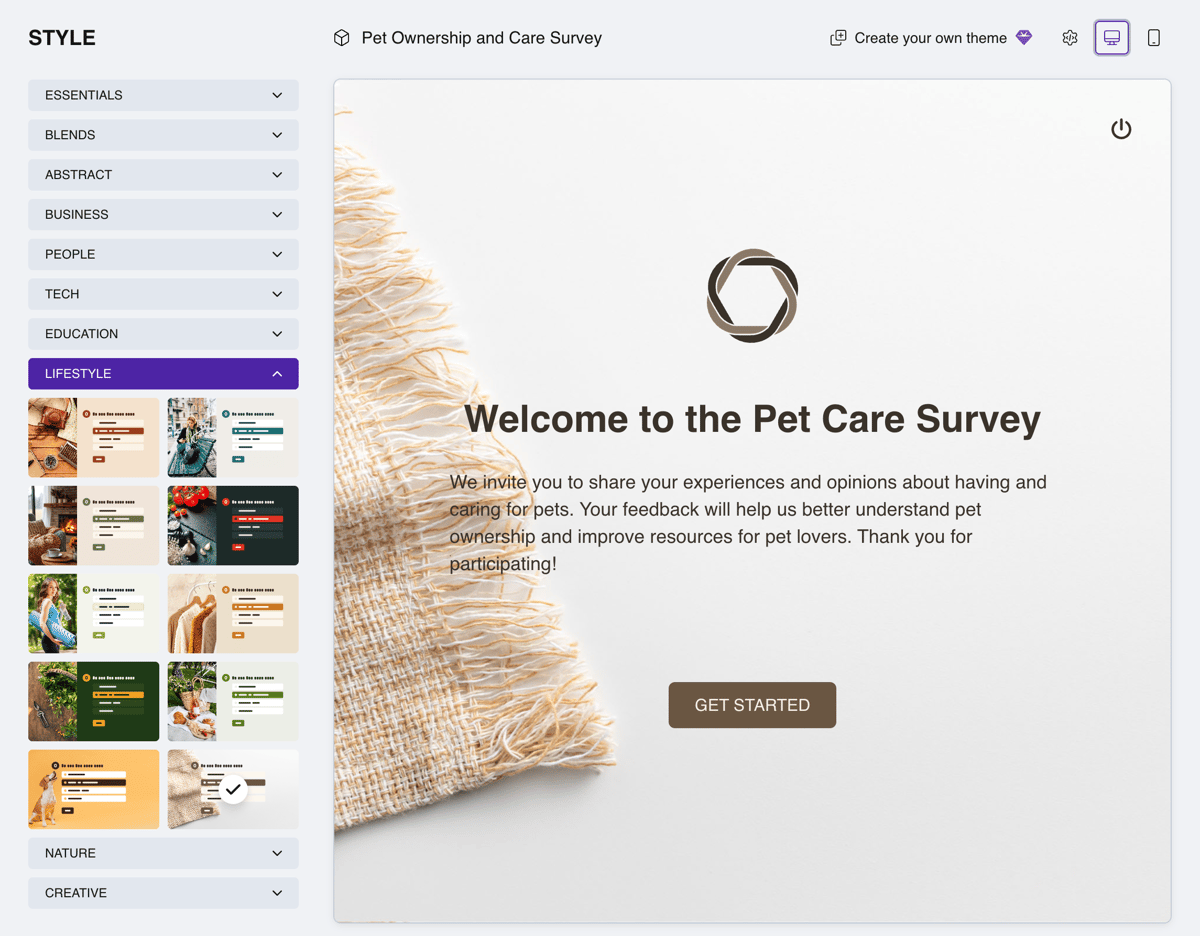
No credit card and no time limit: the AI assistant, templates, link and QR code, images in questions, a class summary and each student's response work right away. Turn on points, PINs and file uploads when you need them.
Questions about student quizzes
Ask the class before the bell
Save the last few minutes of class for a short quiz. Pollsar writes the questions on your topic for you, and students answer on their phones. While the class packs up, you already see which question tripped them up. With Pollsar, you hear from every student, not just the raised hands!