Market research surveys with your own audience

Pollsar is an online tool for market research without paying an agency: the AI assistant builds a survey or quiz around your hypothesis, gives you a ready-to-share link for your customers and followers, and prepares a report on the responses. Test demand, offers, pricing and ad creatives before your campaign goes live.
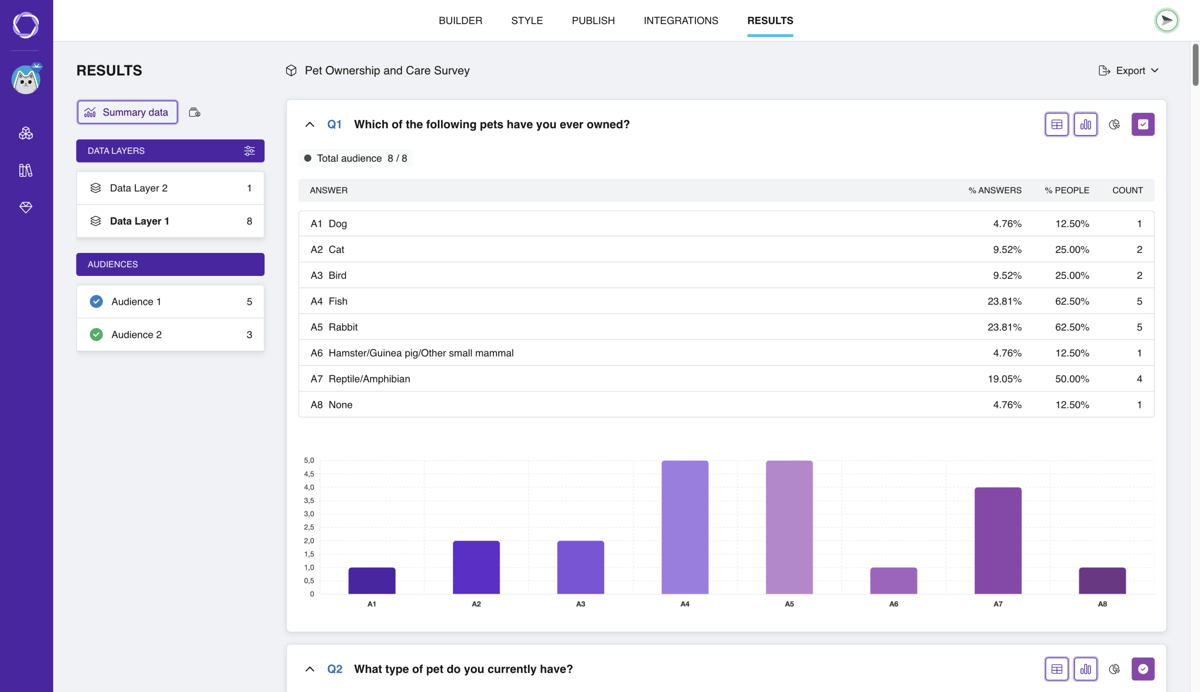
Survey results in Pollsar: a table of shares per answer option and a bar chart

What to test with a marketing survey

Target audience research

Find out who buys, what problem they're solving and what drives their choice, and branching shows different questions to people who didn't buy. A ready-made target market questionnaire asks what people are looking for and where they discover new products.

Demand validation

Before launch, ask prospects whether they'd buy and at what price, then test what you heard in customer interviews across your whole list. A ready-made product launch survey covers which features people expect and what price feels fair.

Ad and creative testing

Show two or three banners, headlines or offers and ask which one is clearer and what the person would do next. After launch, a ready-made ad testing survey shows whether people noticed the campaign and remember it.

Pricing research

Use a range slider to ask which price feels too high and which feels suspiciously low. Use ranking to learn what matters more than price, and a ready-made pricing survey asks how people weigh price against quality.

Packaging, name and concept tests

Show packaging, logo or name options as image answers in random order and ask what people would pick and why. A separate brand awareness survey measures how well people know your brand and whether they trust it.

Lead generation quiz

Your ad links straight to the quiz, no landing page needed: it finds out what the customer wants, shows a matching offer by total score and asks for a phone number or email. Don't need scoring? Take the ready-made lead capture form.

An AI assistant for marketers

Describe your hypothesis in plain words, like “which of two offers is clearer to buyers under 30,” and the assistant builds the whole survey for you, with questions and answer options.

Illustration of the AI generator: a field for the survey topic and a send button

The assistant finds leading questions and double-barreled ones like “Are you happy with the price and the service?” and suggests new wording. You decide whether to apply it.
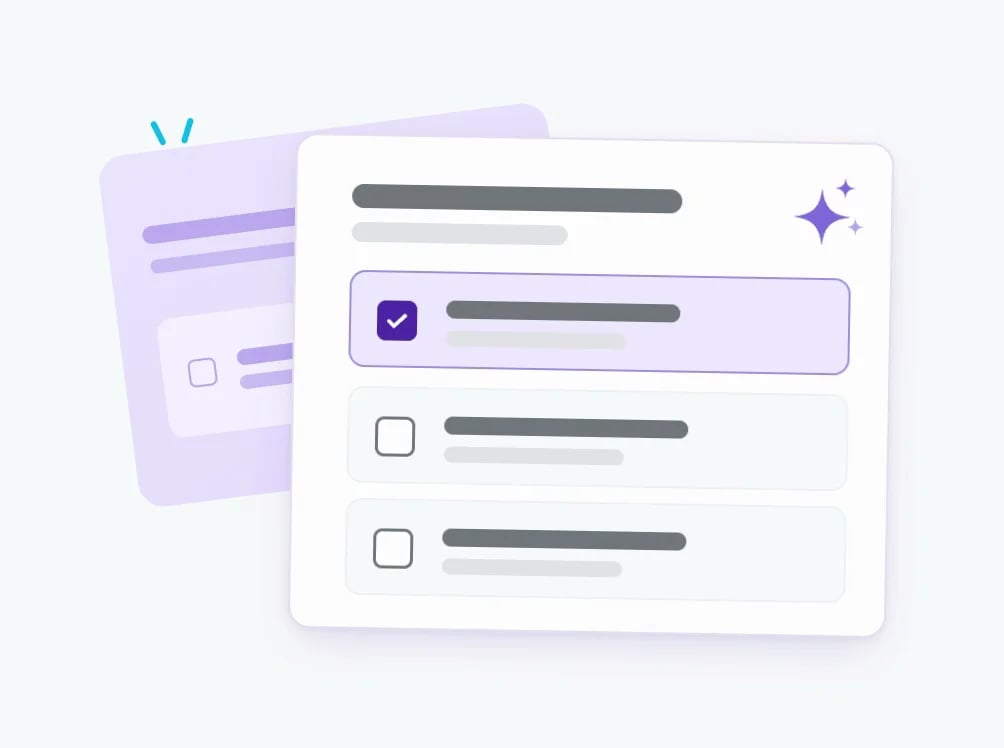
Illustration: a finished question with answer options and an AI sparkle icon

Ask the assistant which option people pick most and where opinions split: it goes through the answers to every question and prepares a report for your team.
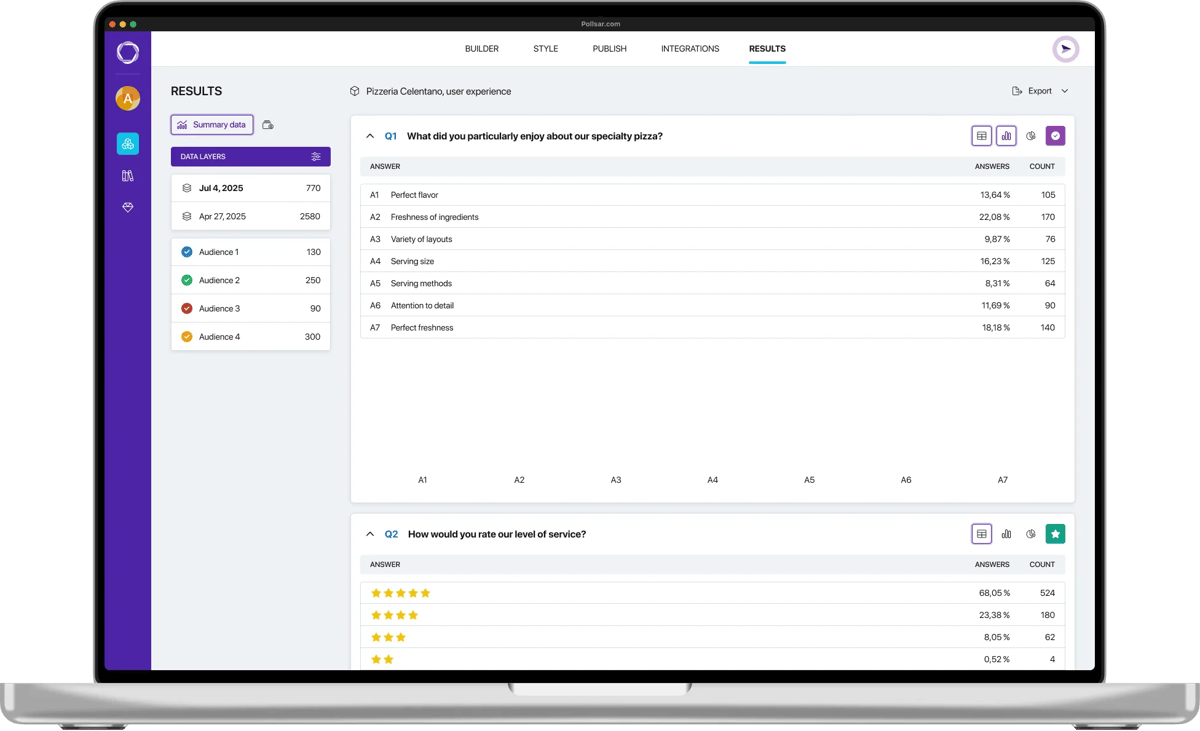
Laptop with survey results open: a responses table and a chart

How to run market research

1 Start with a template or a hypothesis State your hypothesis, and the AI assistant turns it into a survey. Or start from one of the ready-made survey templates on ads, pricing or audience, and the assistant tailors the questions to your product.
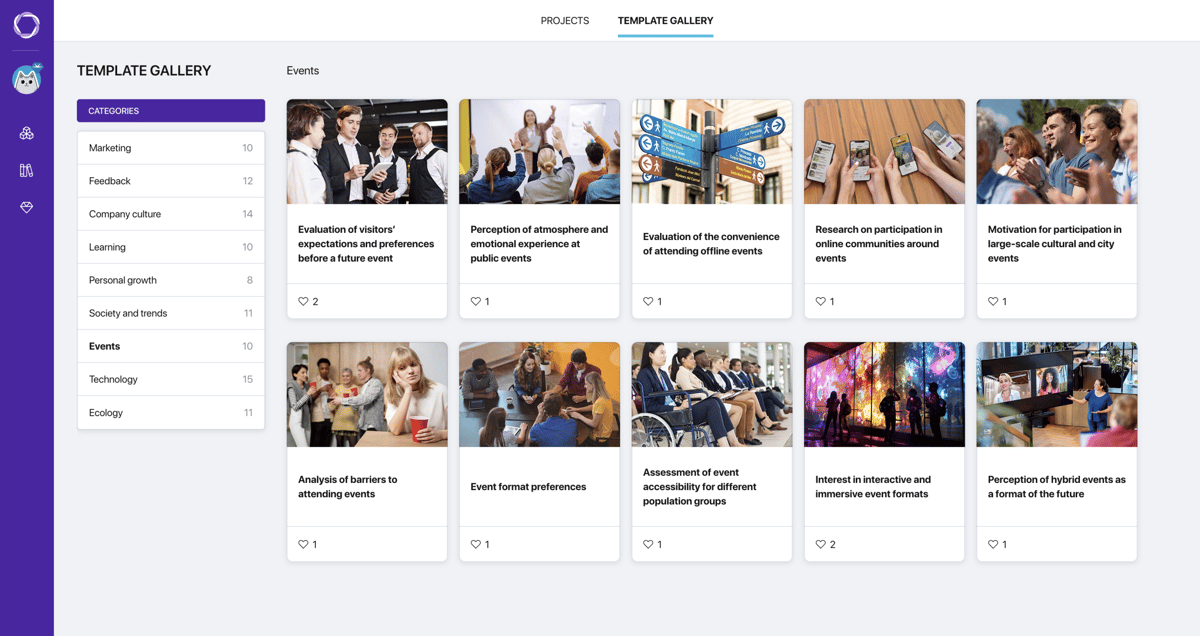
Pollsar template gallery: categories on the left and survey cards with photos
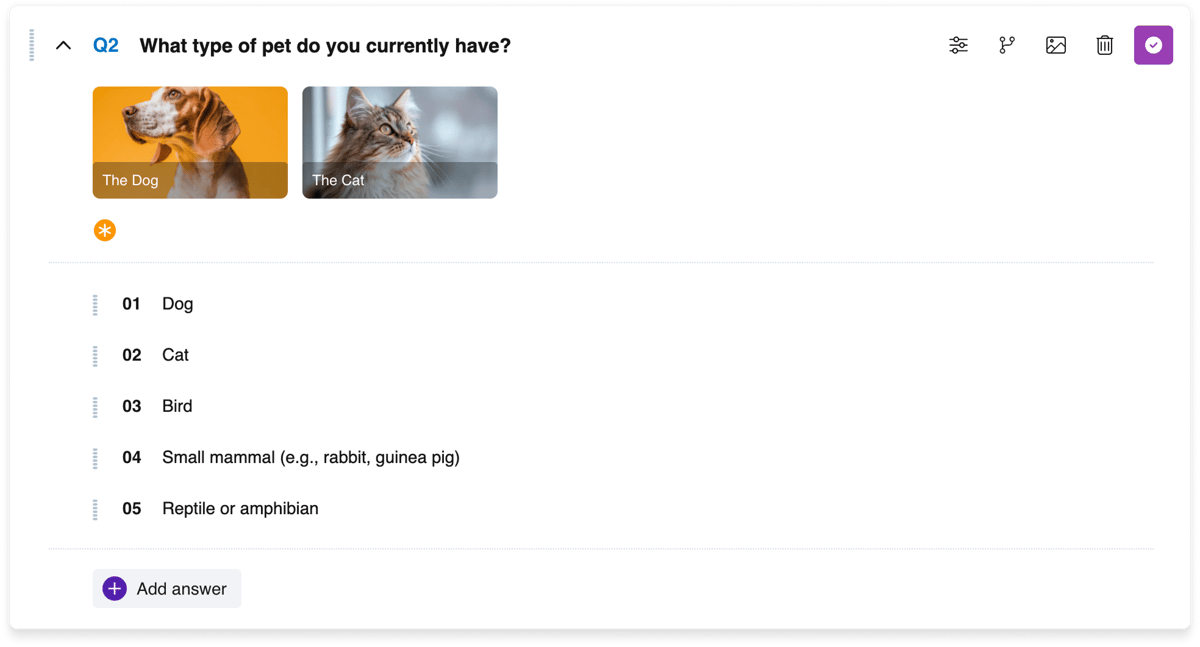
2 Show the options as images Upload banners, packaging or landing page screens: up to three images in the question itself, or one image per answer option. Options are shuffled, so the first one doesn't get extra votes.
Pollsar builder: a question with three images as answer options
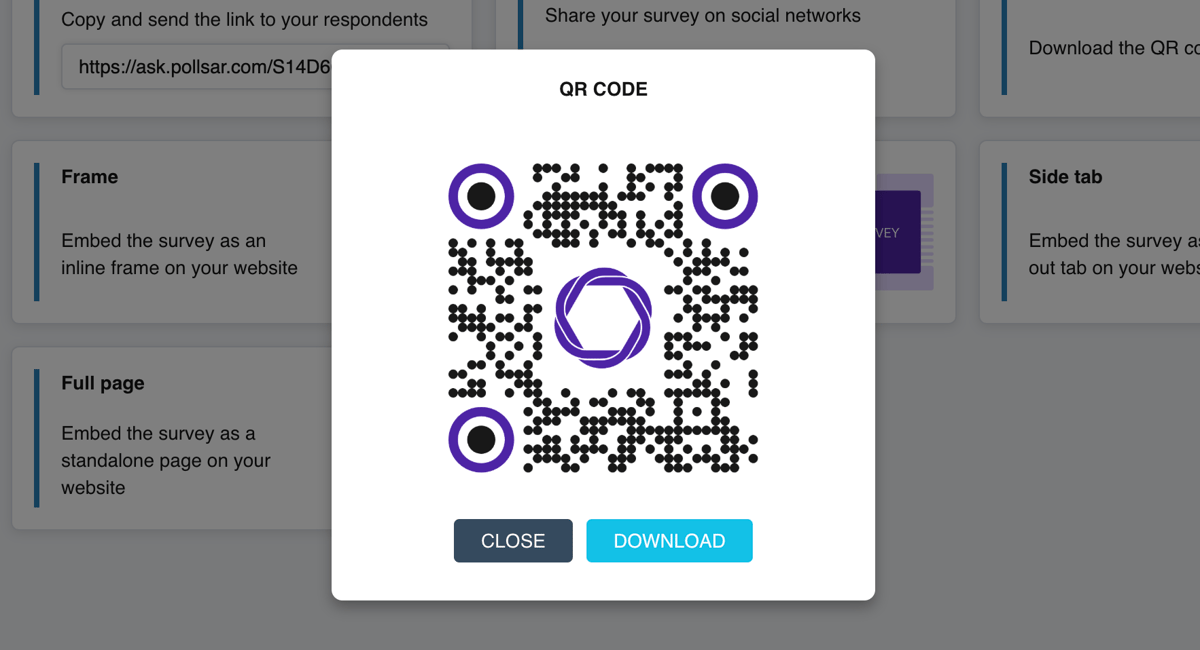
3 Share the link across channels Share the link on social media, in messaging apps, in Stories and in your own newsletter, and print the QR code on packaging. A separate link for each channel shows where responses came from.
Pollsar window with the survey QR code and a Download button
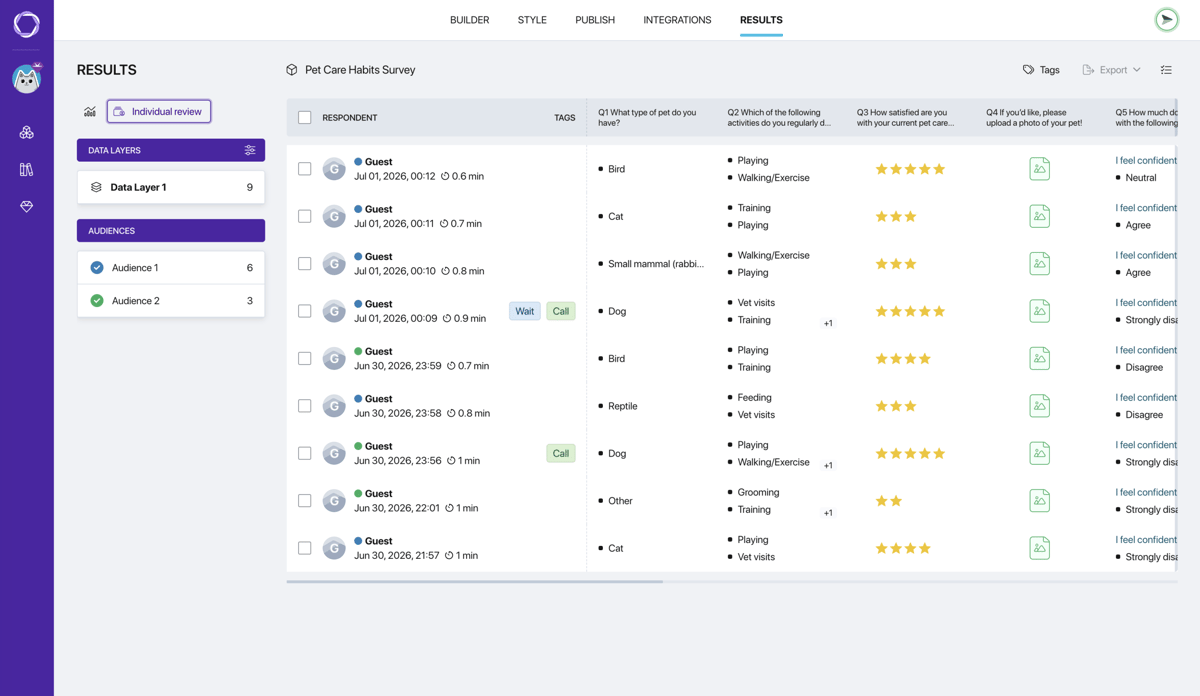
4 Get the summary and report Pollsar automatically builds a table and chart for every question, and the AI assistant prepares a report for your team. Export the summary and responses to XLSX or CSV and compare them with sales.
Pollsar responses table: respondent rows, star ratings and filters
Pollsar template gallery: categories on the left and survey cards with photos

Templates for market research

A magnifying glass over wooden blocks with people icons

Target audience research

Needs, where people discover products, what drives the choice and what problem they're solving.

Open template

A hand unties the ribbon on a lilac gift box

Product launch survey

Which features people expect, how often they'd use the product and what price feels acceptable.

Open template

A hand holding a megaphone reaches out of a computer screen

Post-launch ad testing

Whether people saw the ad, where exactly, how well they remember it and what stuck.

Open template

A calculator on a phone, cash and a notebook on a desk

Pricing strategy evaluation

Value for money, the acceptable price range, what decides the purchase, and buyer age and income.

Open template

A target with lines running to figures of people

Lead generation survey

What the customer needs, how they look for a solution, budget and email. Put the link in your ad.

Open template

Wooden blocks spelling the word BRAND

Brand awareness survey

Whether people know the brand, what it brings to mind, where they heard of it and what hurts trust.

Open template

Hands with a pen over printouts with charts

Competitor analysis through customers' eyes

What people use in the category, what they like and what's missing.

Open template

A young woman with a phone, social media and email icons above it

“How did you hear about us?” survey

Which channels brought people to you, which one swayed them most and what it lacked.

Open template
A dotted path from a block with a person to a block with a light bulb

Customer journey analysis

A rating for each stage from discovery to use, where customers came from, and a breakdown by age and income.

Open template

Why it pays for marketers to use Pollsar

You don't pay an agency or a contractor

No brief, no quote, no rounds of approvals: the survey goes out to customers the same day the hypothesis takes shape, and the summary grows as people respond. Offer fell flat? Tweak it and ask again.

You start free, with no credit card

There's no time limit: the builder, AI assistant, templates, link, QR code and response summary are all available from day one. Add scored quizzes, branching and export whenever you need them.

You learn which channel is worth scaling up

Create up to five audiences with their own links, compare each one's responses and repeat the survey before and after a campaign. And what exactly led customers to you? They answer that in a “How did you hear about us?” survey.

You get leads in Google Sheets and your CRM

Pollsar sends every response to Google Sheets, Slack or Telegram, and to your CRM via webhook and Zapier. A UTM tag shows which ad each lead came from. Your sales rep sees the quiz answers before the first call.

Questions about marketing surveys

Yes, if you don't stop at “Would you buy this?” Ask how people solve the problem today, how much they spend on it and what they dislike. At the end, invite people to leave their email to hear about the launch first: the share who leave one says more about demand than any “Yes, I'd buy.”
Yes, if the people answering are your customers, followers and site visitors. You need an agency when you have to reach people who don't know you, with strict quotas for gender, age and city: it finds and pays those participants itself. And keep in mind that your audience has already chosen you: it compares offers fairly, but demand for a new product will look higher than it would among strangers.
Yes. The Free plan gives you unlimited surveys: one active at a time, up to 10 questions each, up to three images per question, shuffled answer options, and auto-close once a set number of responses is reached. Pro adds images in answer options, scored quizzes, branching, UTM tags, XLSX and CSV export, sending responses to Google Sheets, your CRM, Slack and Telegram, and your logo. Expert adds up to five audiences with their own links, repeat waves, and events in Google Analytics and Meta Pixel. Prices and the full list are in the plan comparison.
Yes, but without scoring. On the free plan, a quiz works as a lead form: a few questions about the customer's need, an email or phone number as the last step, a link for your ad and a QR code for a flyer. A final page with a matching offer based on the total score, branching and sending leads to your CRM come with a paid plan.
Through targeted ads: add the survey link to an ad aimed at the audience you need and thank people with a promo code on the final page. A promo code lifts the response rate but also attracts deal hunters, so use the very first question to check whether the person has bought anything in your category, and screen out random respondents. People answer on their phone, with no app or sign-up. The For creators page explains how to collect answers from your social media followers.
It depends on the gap between the options: with a hundred responses, the margin of error for a share is about ±10 percentage points; with four hundred, about ±5. A clear winner like 65 to 35 shows up with a hundred responses, while close options like 55 to 45 need several hundred. Enter the number you need, and Pollsar closes the survey once it's reached; you can also set a separate limit for each audience with its own link.
No. AI knows the averaged opinion of the internet, but not why people buy from you specifically or what stops your customers. It's handy for catching unclear questions before launch, but only real people's answers show the share of “I'd buy” and the price they'll accept.
Yes. To have the ad platform look for people who go all the way to submitting their details, send the quiz completion event to Google Analytics and Meta Pixel: then you can optimize the campaign for leads, not clicks. The For websites page shows how to put the quiz on a website or landing page.

Test your offer first

Test hypotheses on your own audience, not on paid traffic. Customers and followers pick the clearest banner and slide to the price that works for them. Pollsar shows you the winning offer before the first dollar goes into ads!

Line illustration: a surfer on a board catching a wave