API and MCP for surveys, quizzes and forms: let ChatGPT or Claude build them
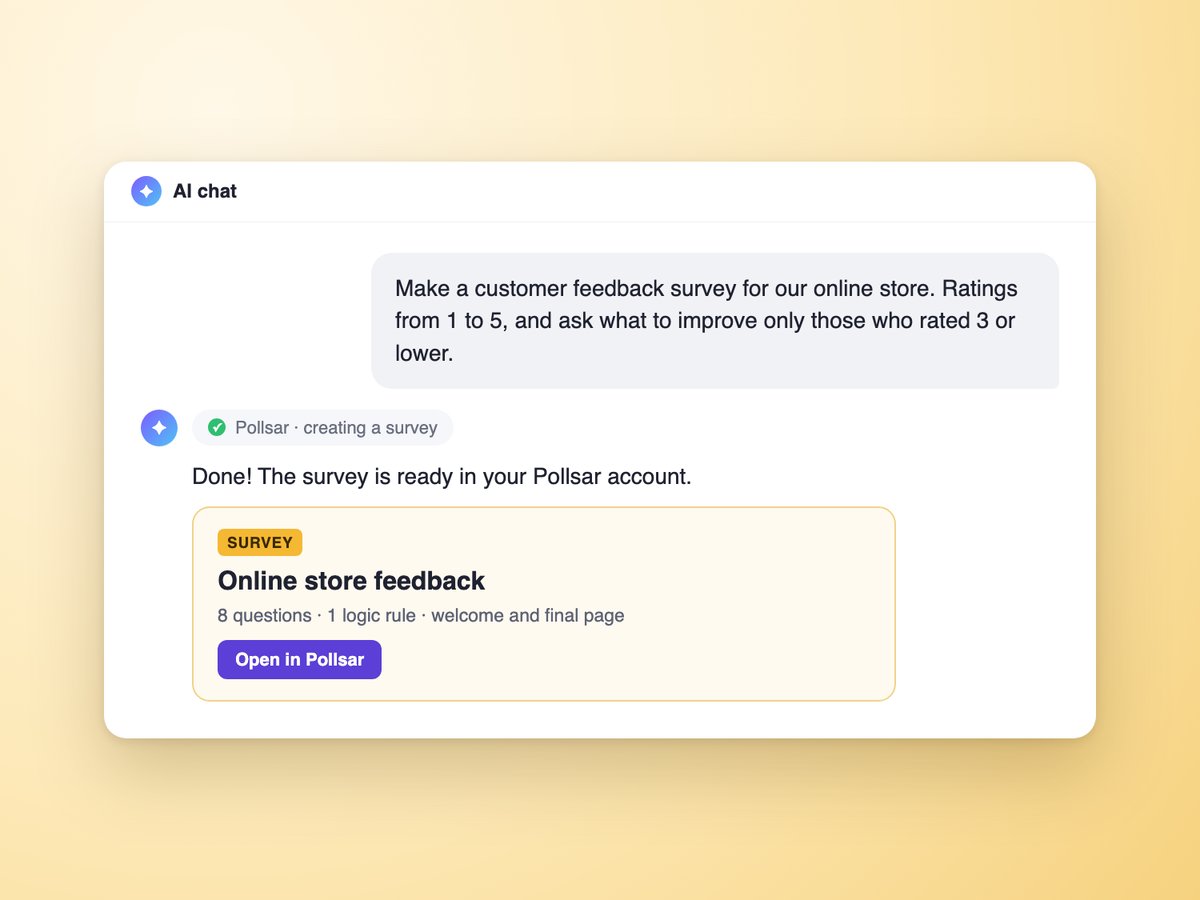
Connect Pollsar to the AI chat you already use. Describe the task or attach your notes, and a ready survey, quiz or form appears in your account. You check it, share the link and collect answers.
What you get when ChatGPT or Claude works in Pollsar
Launch a survey in minutes
Write one message instead of clicking through the builder. ChatGPT or Claude writes the questions, answer options and logic, and you only check the result.
Build from documents you already have
Attach an interview guide, lesson notes or a list of questions. Nothing gets retyped: the chat turns your file into a survey, quiz or form.
Scale one survey to every client
Ask once and get a renamed copy for each of 30 clients, or a version in Spanish and German. Hours of manual copying turn into one request.
Keep every survey in order
Claude or ChatGPT reviews a whole folder and finds missing welcome pages, overlong surveys and broken answer options, then fixes them on your word.
Open and close surveys on time
Your app can start collecting answers at a launch and stop at the deadline through the API, so no survey stays open by mistake.
Get answers where your team works
Every completed response goes to your CRM, Google Sheets, Slack or Telegram by webhook, so the team can act on it the same day.
Ask in plain words, see the result in your account
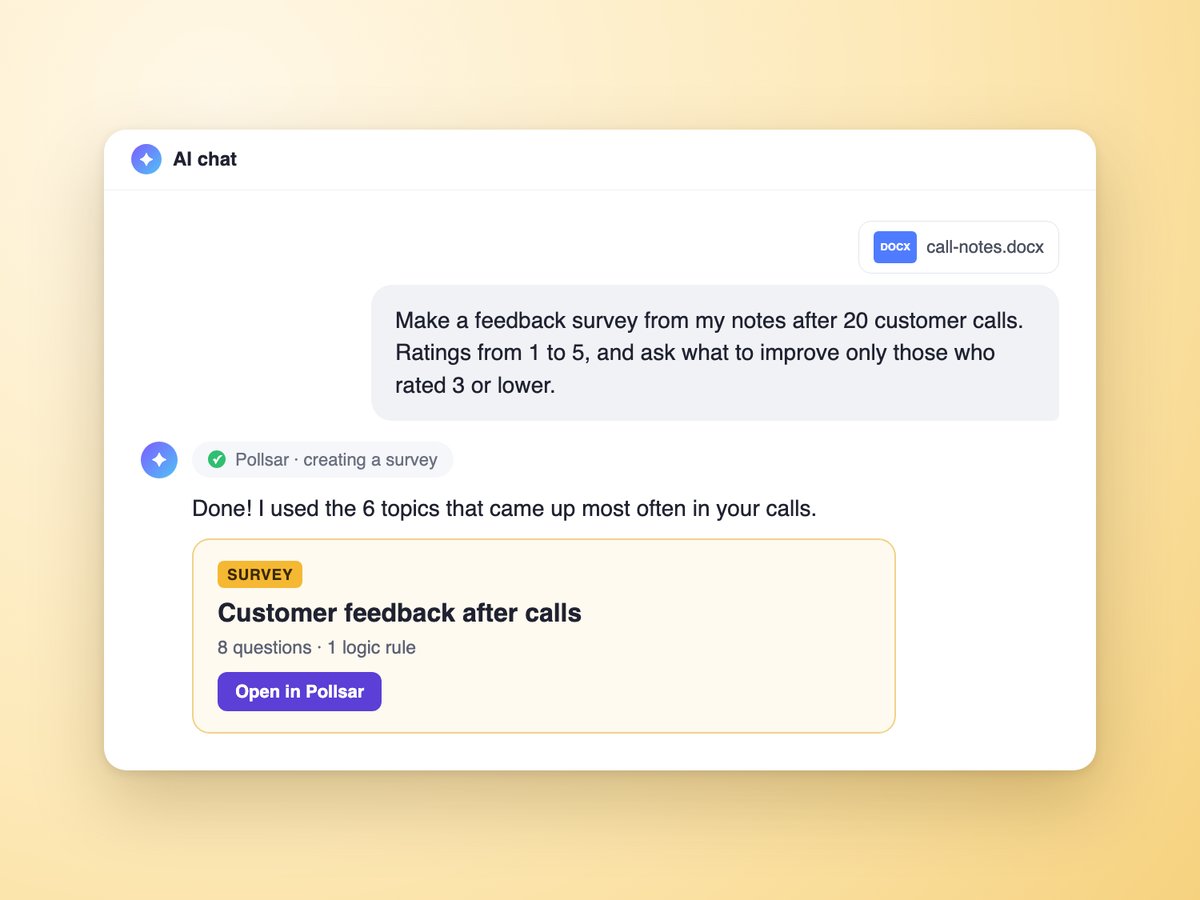
“Make a feedback survey from my notes after 20 customer calls. Ratings from 1 to 5, and ask what to improve only those who rated 3 or lower.” A minute later the survey with its logic is in your account.
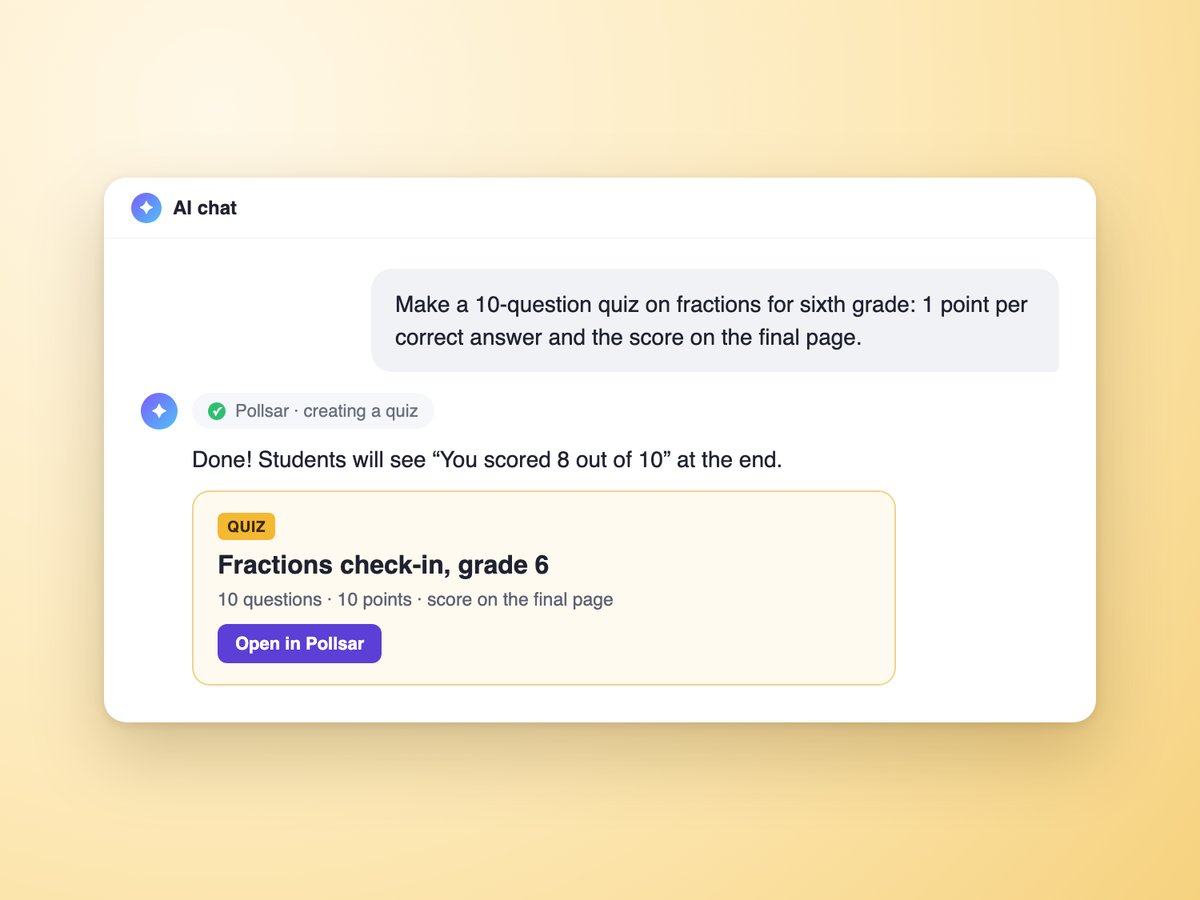
“Make a 10-question quiz on fractions for sixth grade: 1 point per correct answer and the score on the final page.” Pollsar adds up the points for every student.
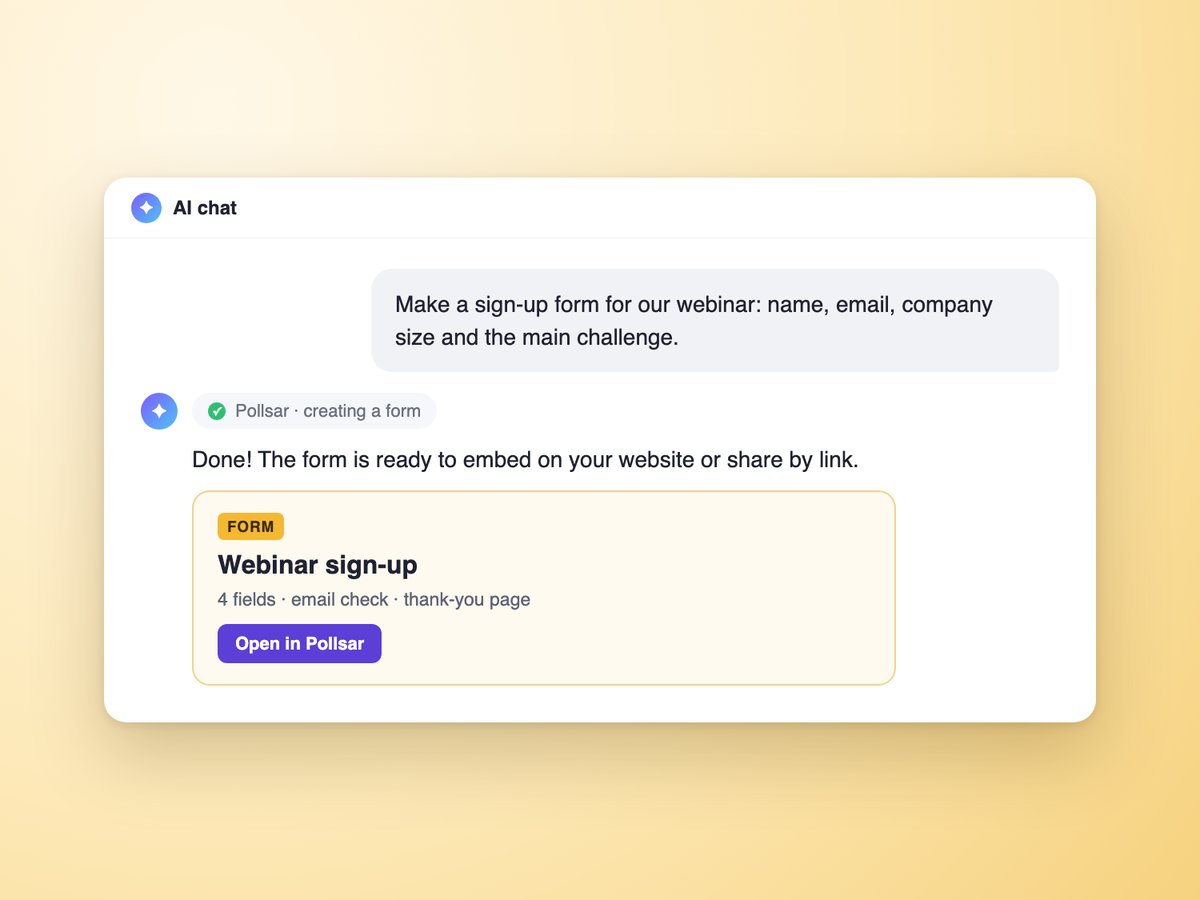
“Make a sign-up form for our webinar: name, email, company size and the main challenge.” Embed it on your site or share the link, and every lead lands in Results.
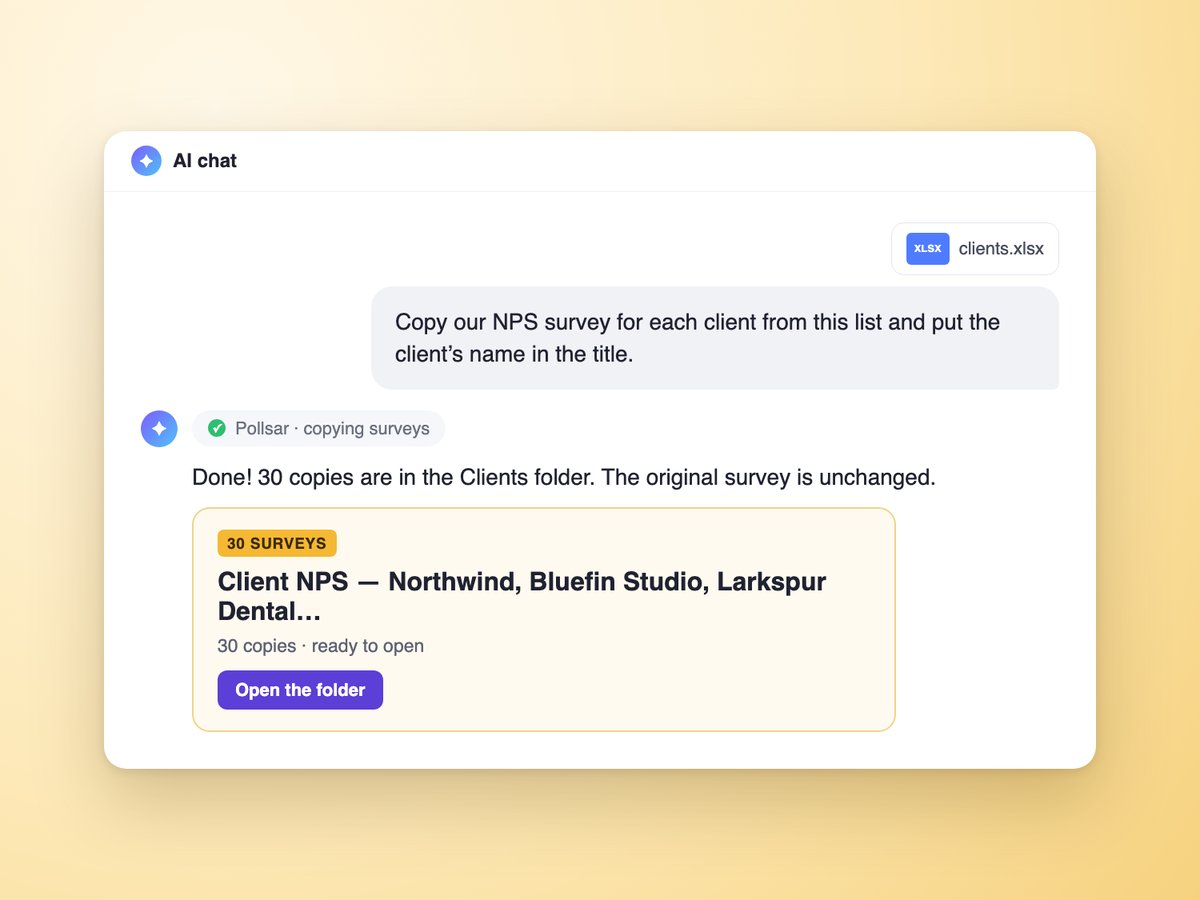
“Copy our NPS survey for each client from this list and put the client’s name in the title.” 30 copies are ready, and the original stays untouched.
Who saves the most time and money
Marketing agencies
One master survey becomes a copy for every client in one request. Change the master, and one more message updates all the copies.
Surveys for marketersProduct teams
A feedback survey opens with every release and closes two weeks later. The questions come from the spec your team already wrote.
Surveys for businessTeachers and course creators
Lesson notes turn into a scored quiz for every lesson, with points per answer and the score on the final page.
Make a scored quizResearchers
A questionnaire from a document becomes a survey with routing in minutes, with a copy for the next wave or another language.
Surveys for researchHR teams
The monthly pulse survey opens on Monday and closes on Friday without anyone’s reminder. HR only edits the questions.
Surveys for HRWebsite owners
Build a form in ChatGPT or Claude, embed it on the site and get every submission in your CRM by webhook.
Surveys on your websiteStart in three steps
Safe by design: you stay in control
Start with read-only access
A new key can only look. ChatGPT or Claude changes surveys only after you allow it, confirmed with your password and 2FA.
Give the same rights as in the app
A key can do exactly what its owner can do in the team. Team members get access only when the owner turns it on.
Protect the answers you have collected
Edits that would erase collected responses wait for your confirmation, so a hasty request never wipes your data.
Keep responses out of the AI chat
ChatGPT or Claude works with surveys, not with responses. What people answered stays in Pollsar and goes only where you send it.
For developers: survey API and webhooks
Call a REST API with 41 operations
Folders, surveys, questions, logic, variables and pages in JSON, described in an OpenAPI 3.1 file you can turn into a client.
Receive every response by webhook
Each completed response arrives as signed JSON. Send only the answers you need and test the endpoint before going live.
Plan around clear limits
300 requests and 120 writes per minute, with Retry-After on a 429, so scripts and agents know when to try again.
Questions before you connect
What will you ask ChatGPT or Claude to build first?
A feedback survey from your notes, a quiz for tomorrow’s lesson, a sign-up form for your site. Get your key and try it today.