Coaching intake form and wheel of life assessment
Pollsar is a form and survey tool for coaches, psychologists in private practice and mentors: a pre-session intake form, a wheel of life, post-session feedback and program results. The AI assistant builds any of them for you from your description, and a repeat survey a month later shows the client what changed in each area.
What to ask your client
Pre-session intake form
What goal the client came with, what they've already tried, what success looks like in three months and how they like to work. You arrive at the first session prepared, and the hour goes to the work, not to running through a checklist of questions.
Wheel of life assessment
The client rates eight areas of life, such as work, money, relationships, leisure and personal growth, on a scale from 1 to 10. Pollsar saves the ratings in their card, and a repeat a month later shows which areas grew and which slipped.
Coaching feedback form
Two minutes after a session: how useful it was, what the client takes away and what they'd change. Answers come in right away, so you hear about any dissatisfaction before they quietly let their package of sessions lapse.
Coaching program results
At the end of the program, ask whether the client reached the goal, what helped most and whether they'd recommend you. The answers from before and after sit side by side, so the results of coaching show in numbers, not just in how the client feels.
Coaching application form
A form on your website or social media: what the person wants to work on, which format suits them, online or in person, which days are free and how to reach them. The form asks different questions for a career goal and a personal one, and applications land in a table.
Career coaching assessment
A scored test on values, skills and priorities: Pollsar shows the client their result from the total right after they answer. It's a handy test to send before the first session, so the conversation starts from a ready profile, not from scratch.
Mentee intake form
For mentors: a short form on what the mentee wants to learn from your experience, where they're stuck right now and how much time they can give. A short monthly check-in shows what has moved and what to cover at your next meeting.
Group coaching check-ins
During a group program or mastermind, each participant notes once a week the step they took and what's holding them back. The group's answers land in one summary, and a check a month after the finish shows whose changes stuck.
Client feedback for psychologists
For psychologists in private practice, a short survey after a session or group: whether it felt comfortable, whether the next steps are clear, whether the format works. The questions are about how useful the sessions are, and health information stays in your practice software.
AI assistant and client progress
Tell the AI assistant: “intake form for executive career coaching”. It builds the form with questions and answer options, and you can rewrite any question in your own words.

The assistant spots a question that hints at the answer, like “You do feel the progress, don't you?”, or one that asks about two things at once, and suggests rewording it. The client answers honestly, not the way the coach expects.

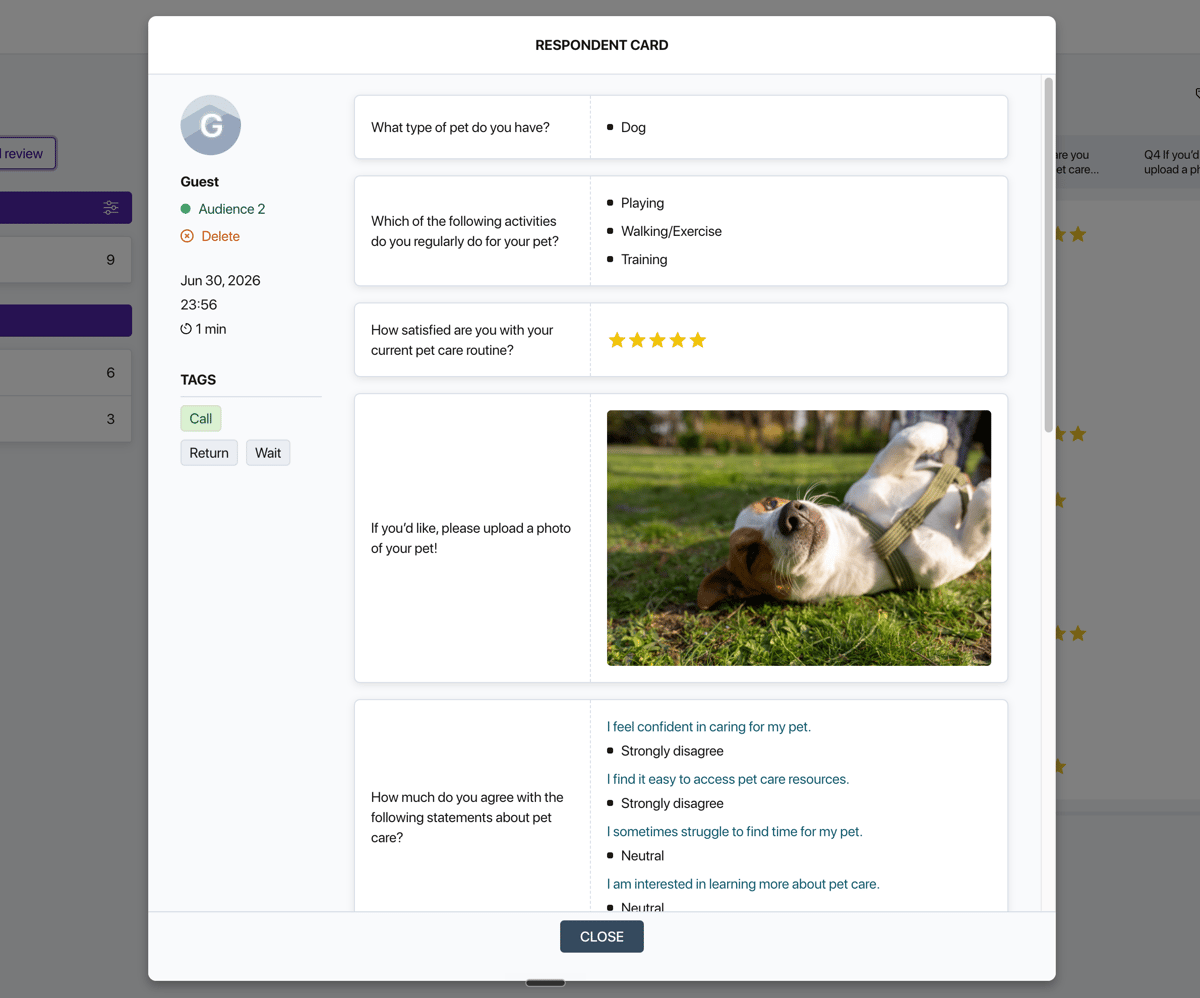
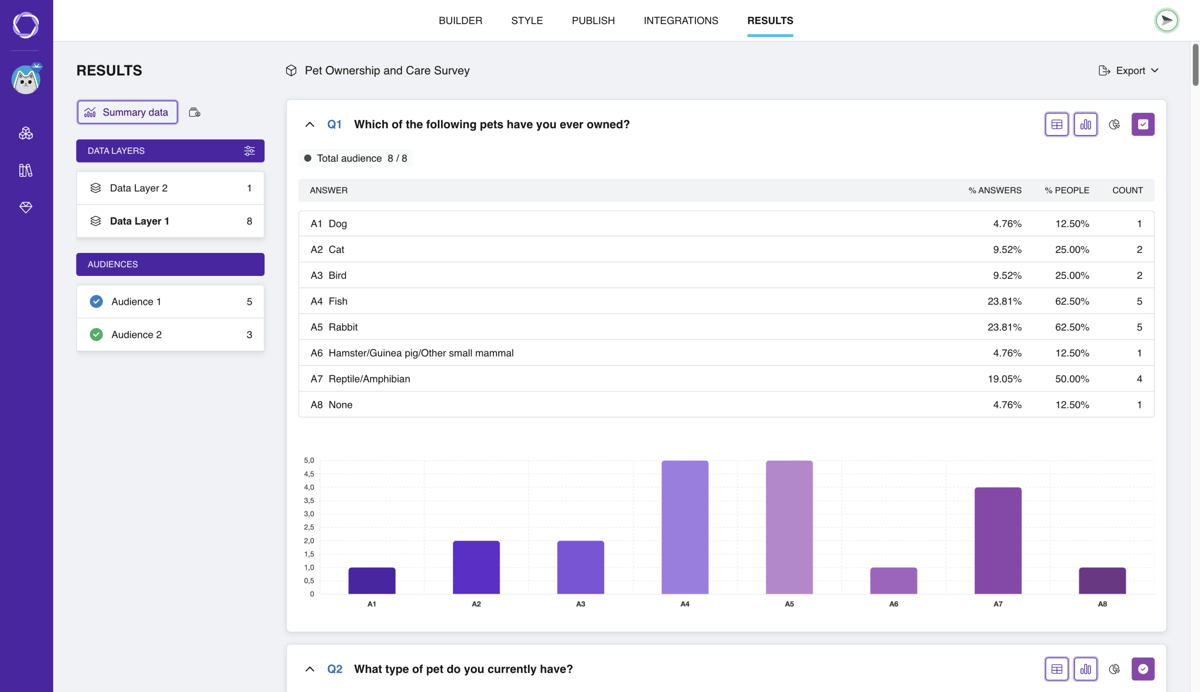
The table shows each client as a separate row, and their card shows all the answers from a form on one screen: goals, expectations and ratings by area. Before a session, you recall in a minute where the person started.
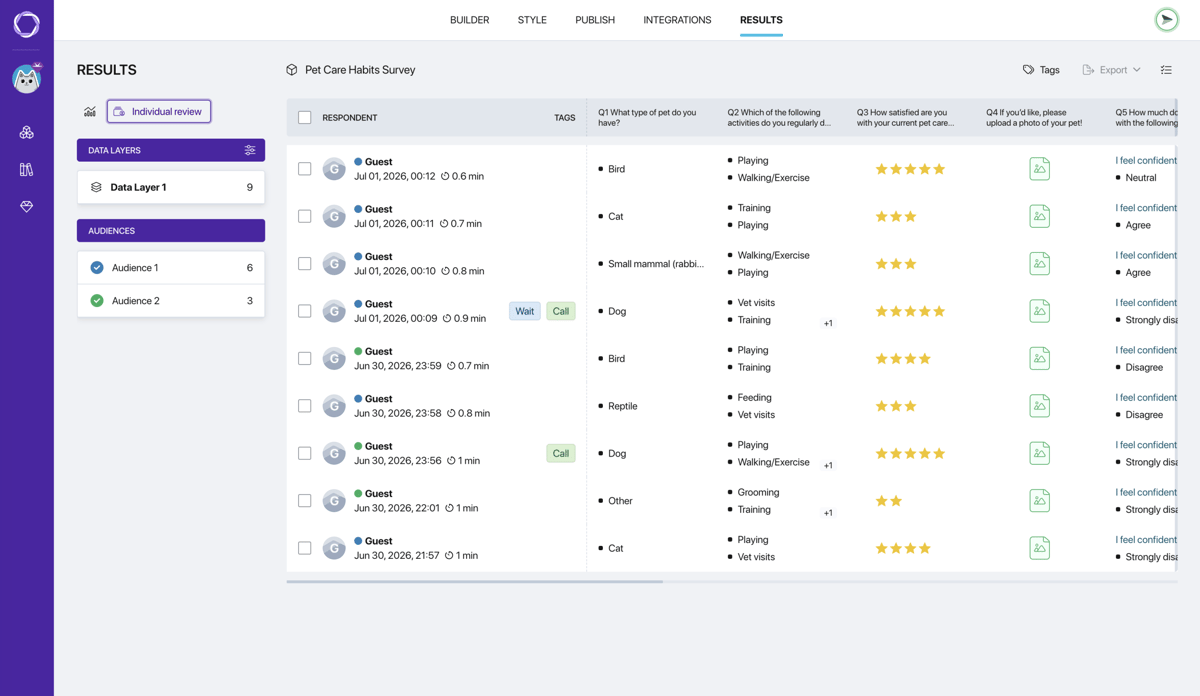
Ask the assistant to read the group's written answers: it finds what participants call most useful and what they missed, and builds a report for your next cohort or the program sponsor.
How to get started with client forms
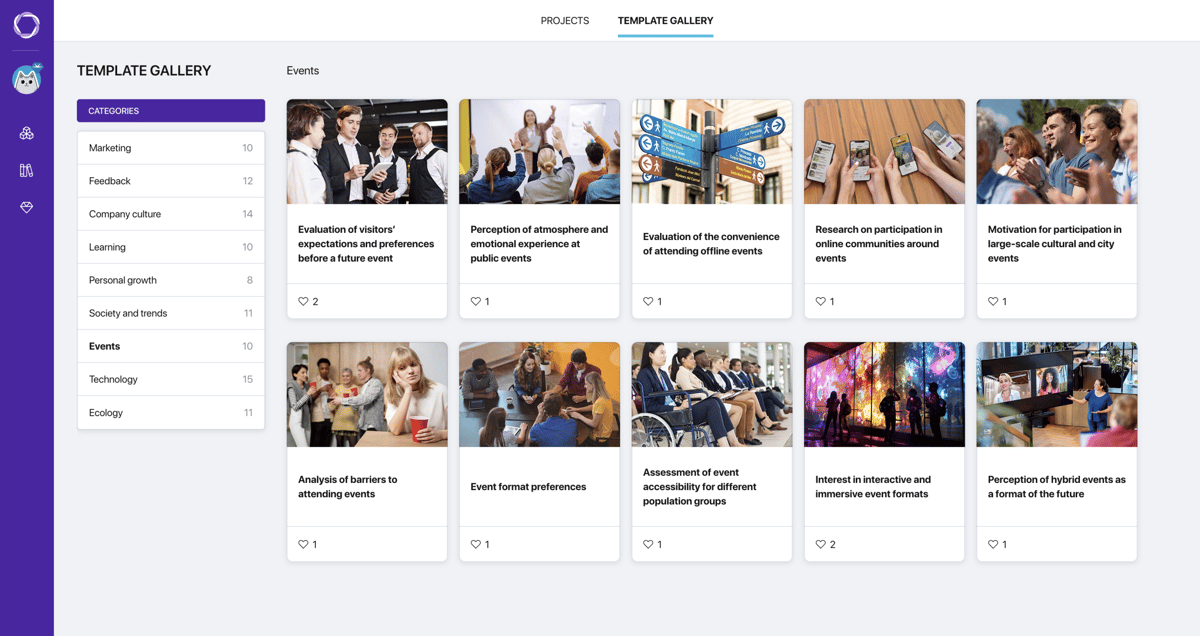
Templates for coaching

Coaching effectiveness survey
How useful meetings with a coach or mentor are and what to improve in the program.
Open template
Personal goals questionnaire
Whether a person sets development goals, tracks progress and what gets in the way.
Open template
Work-life balance survey
Whether it's easy to combine work and personal life and what gets in the way.
Open template
Motivation and self-discipline test
What drains motivation and whether a person can stay focused without oversight.
Open template
Time management test
How a person plans tasks, sets priorities under pressure and where the time goes.
Open template
Decision-making confidence test
How confidently and quickly a person decides and whether they own their choices.
Open template
Self-reflection questionnaire
How often a person reviews their results and puts the lessons into practice.
Open template
Strengths quiz
The client marks 5 of 16 qualities, people close to them do too. Overlaps are strengths.
Open template
Habits and productivity survey
Sleep, breaks, distractions and plans: which habits help a client and which don't.
Open templateWhy it pays for coaches and psychologists to use Pollsar
You spend the session on the work
The client answers questions about goals and expectations before the session, whenever suits them. You read the answers ahead of time and start with what matters, so the client gets real value from the very first session.
You show clients what the work has changed
The wheel of life and goals questionnaire from before the program and a month in sit side by side, and the client sees what changed in each area. Renewing is easier when you don't have to prove the result in words.
You get website testimonials without awkward requests
In the end-of-program survey, ask whether you may publish the review and how to sign it. Clients' own words go to your website and social media with a signature, and the AI assistant picks the strongest quotes.
You see which cohort got more out of the program
Each cohort, group or corporate client gets its own link to the same survey. Their answers don't mix, and you compare two cohorts of the same program side by side in one summary.
You catch dissatisfaction in time
Each answer to the post-session survey reaches you as a Telegram or email notification. If a rating is low, you see it right away and have time to talk before the client moves to another practitioner.
You work with clients without paying for another subscription
Your practice already pays for plenty of subscriptions: calendar, video calls, payments. Pollsar needs no credit card and has no trial that runs out, and the intake form works from your first client.
Coaching forms FAQ
Make progress visible
A month into coaching, the client no longer remembers where they started, and their growth feels like a given. Pollsar keeps their ratings from before the first session and after every stage, so the journey shows up in numbers, area by area. Coaching results become visible, and renewing becomes an easy call!