Event registration form and post-event survey
Pollsar is an event registration and survey tool for organizers: a registration form for a conference, webinar or meetup, an RSVP form and a post-event feedback survey. When seats run out, sign-ups close on their own, and the AI assistant turns the feedback into clear takeaways for your next event.
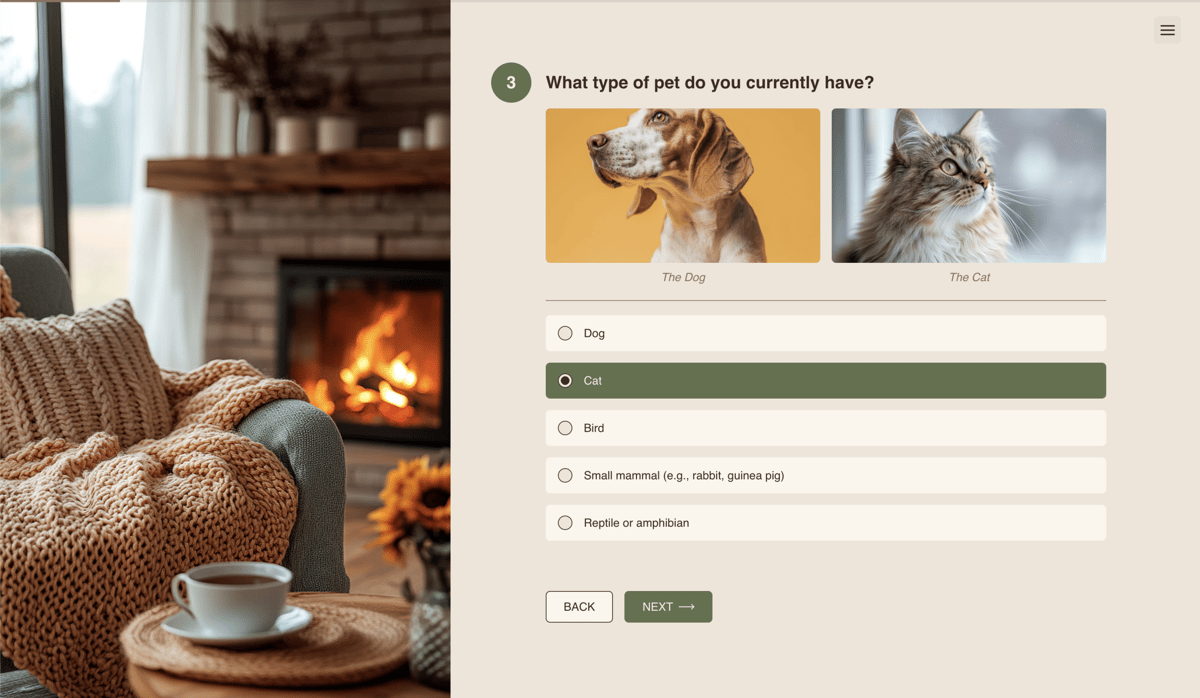
What to collect before and after the event
Event registration form
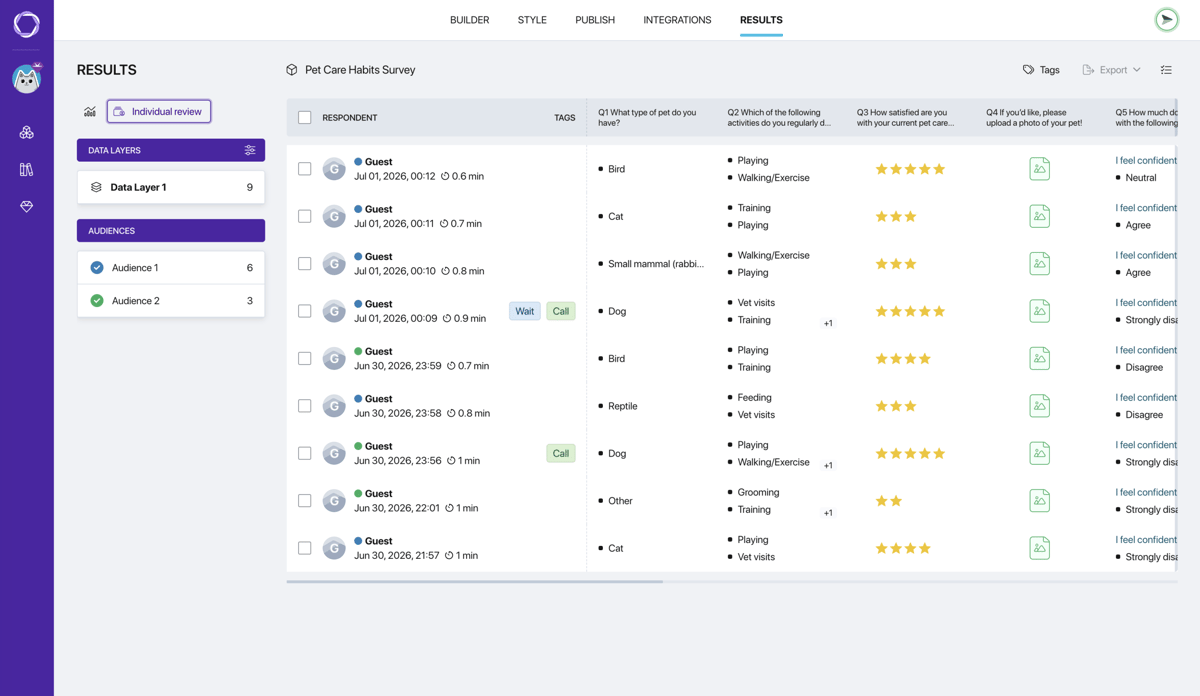
Name, email, phone and a choice of day or session, all in one form. Set the number of seats: once they fill up, Pollsar closes registration on its own, so no extra people turn up at the door. Every sign-up arrives as its own row in the table.
RSVP form
Guests say whether they're coming, how many people they'll bring and which menu they want. If the answer is “can't make it”, the form asks right away whether another date works. You know the head count before booking the venue and catering, not on the day.
Webinar registration
The form collects emails and questions for the speaker in advance, so the host knows what people will ask before going live. After submitting, attendees go straight to the stream page, and the form link works in any email, messaging app or social post.
Pre-event survey
Ask ahead of time which topics matter most, which format suits people and how long the event should run. Attendees rank the topics, and Pollsar shows each one's priority as a percentage. You build the agenda around what people expect, not on a hunch.
Event feedback form
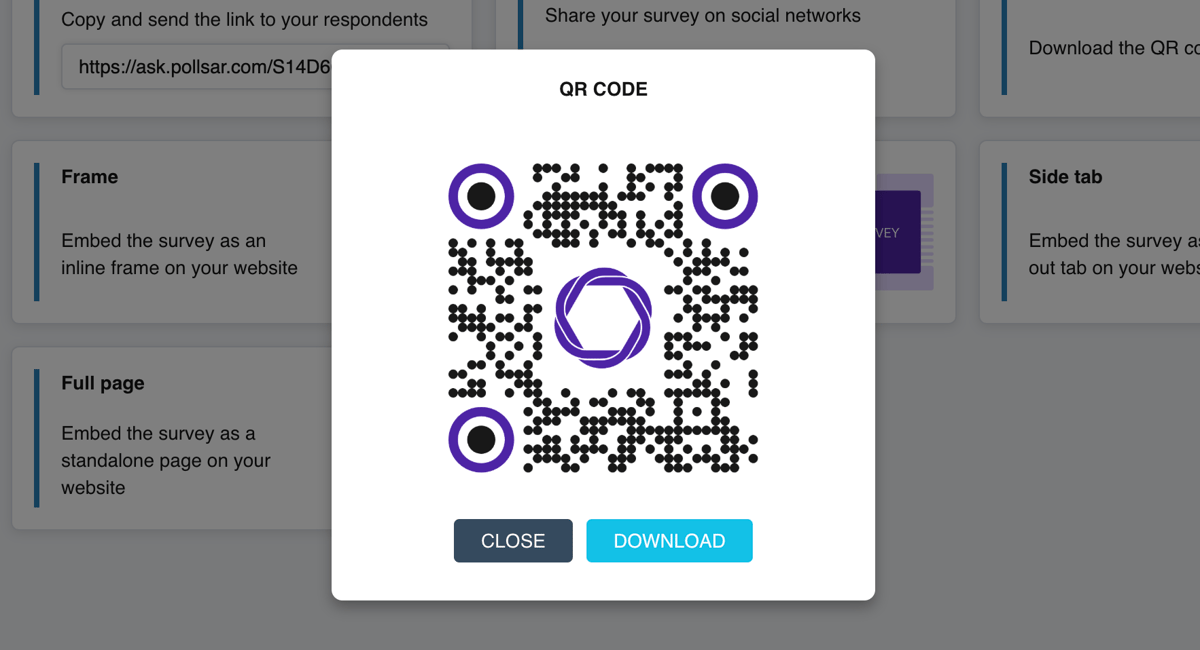
Put a QR code on the last slide: attendees rate the event while it's fresh and say what to improve. The NPS score shows how many would recommend the event to colleagues, and the AI assistant pulls together the most common comments.
Speaker and session ratings
A rating grid on one screen: every talk, speaker and session on a 1-to-5 scale. Pollsar works out the averages, so you see whom to invite back and which topic to replace. Rooms and tracks can each get their own link, so the ratings don't mix.
Workshop and seminar feedback
After a seminar, workshop or talk, ask what was useful, what dragged and whether people will use what they heard. The AI assistant builds the survey for you in a minute from the agenda, and answers from every group land in one summary.
Speaker and exhibitor applications
Talk proposals for a conference or booth applications for a trade show in one form: topic, description, contacts and a slide deck upload. Applications land in one table, so the program is picked from a single list, not from emails in different inboxes.
QR code attendance sheet
Put a QR code at the entrance: attendees check themselves in with their name and company, and the attendance sheet fills a table with no paper lists. At a trade show booth, the same form collects contacts from visitors who want to keep talking.
AI assistant and event takeaways
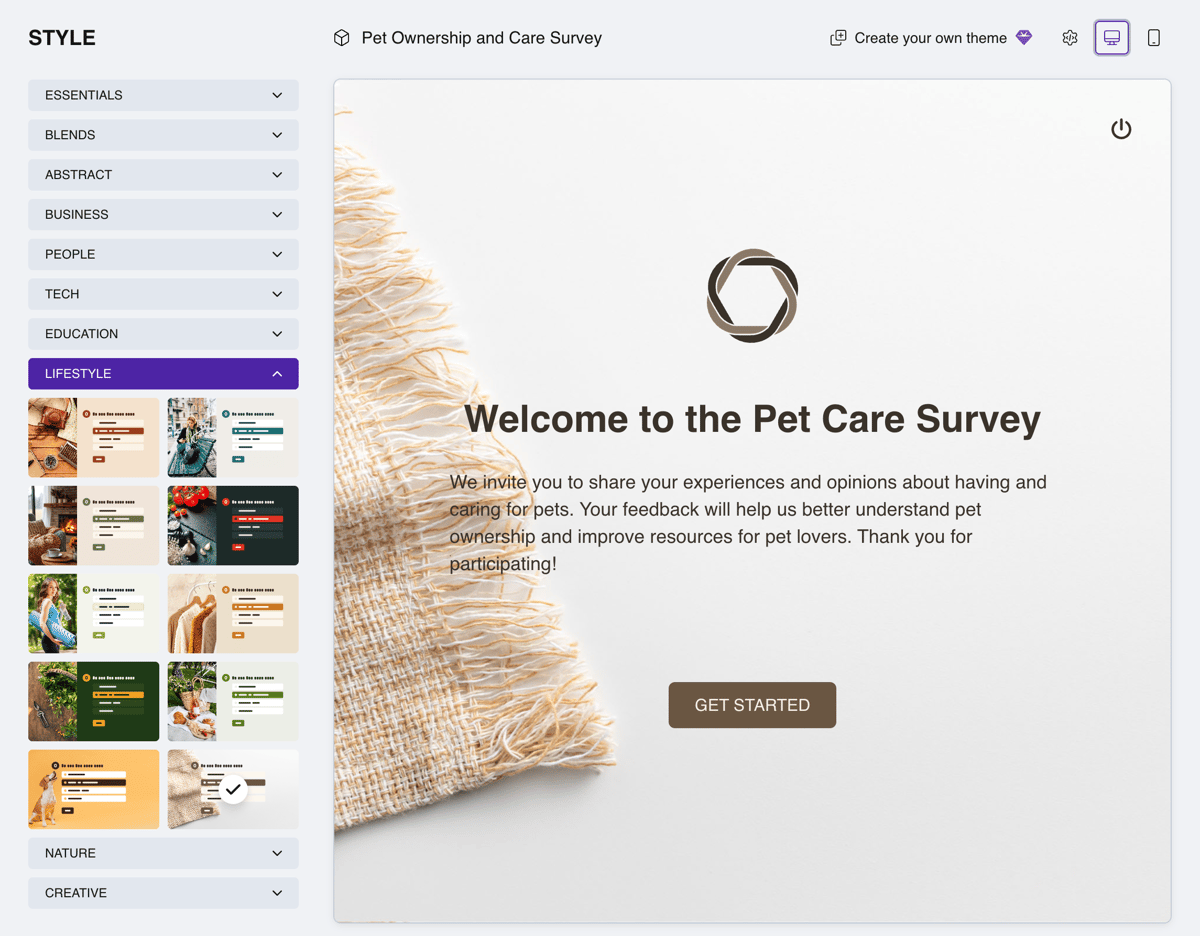
Tell the AI assistant in plain words: “registration for a two-day conference, with a choice of session and lunch”. It builds the form for you with questions, answer options and a cover image, and you can rewrite any question.

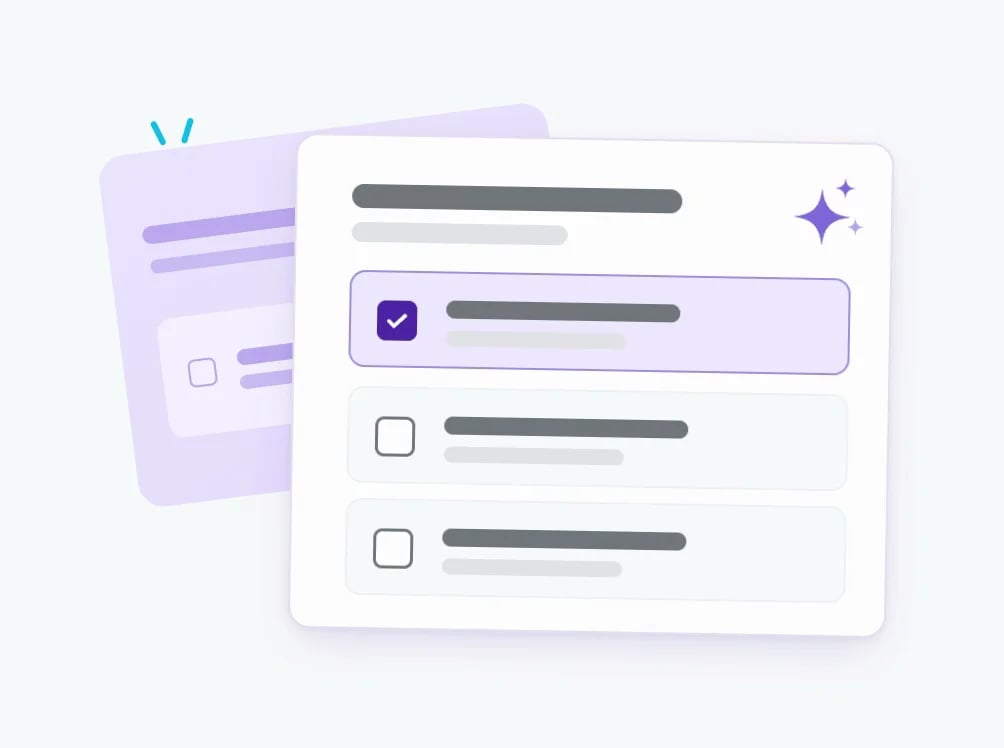
The assistant spots a question that hints at the answer, or one that asks about two things at once, like “Did you enjoy the talks and the coffee break?”, and suggests splitting it. The ratings stay honest and the takeaways stay useful.
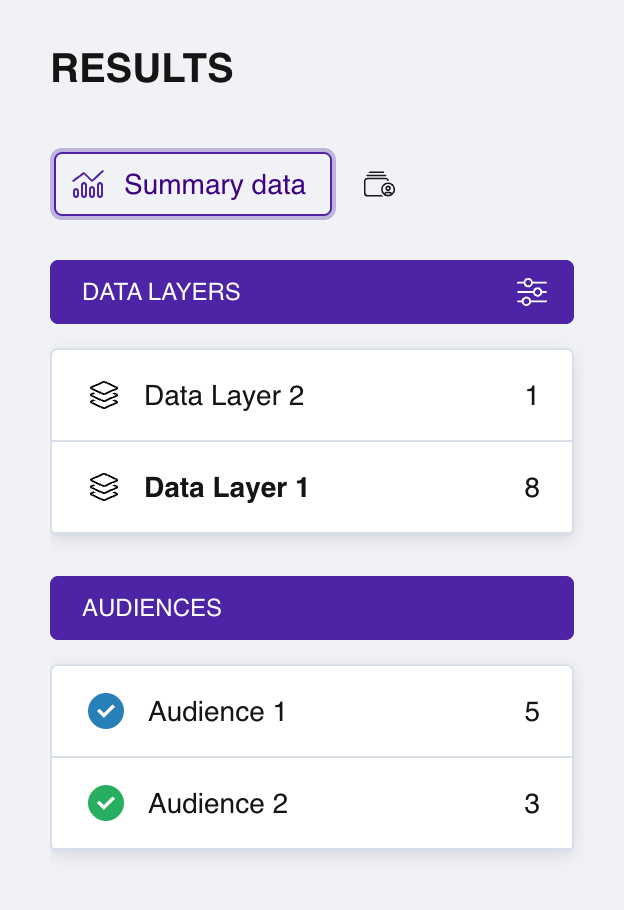
Give each day, room or track its own link: Pollsar shows how many responses came from each and breaks the ratings down by them. Day one and day two of a conference sit side by side in one panel.
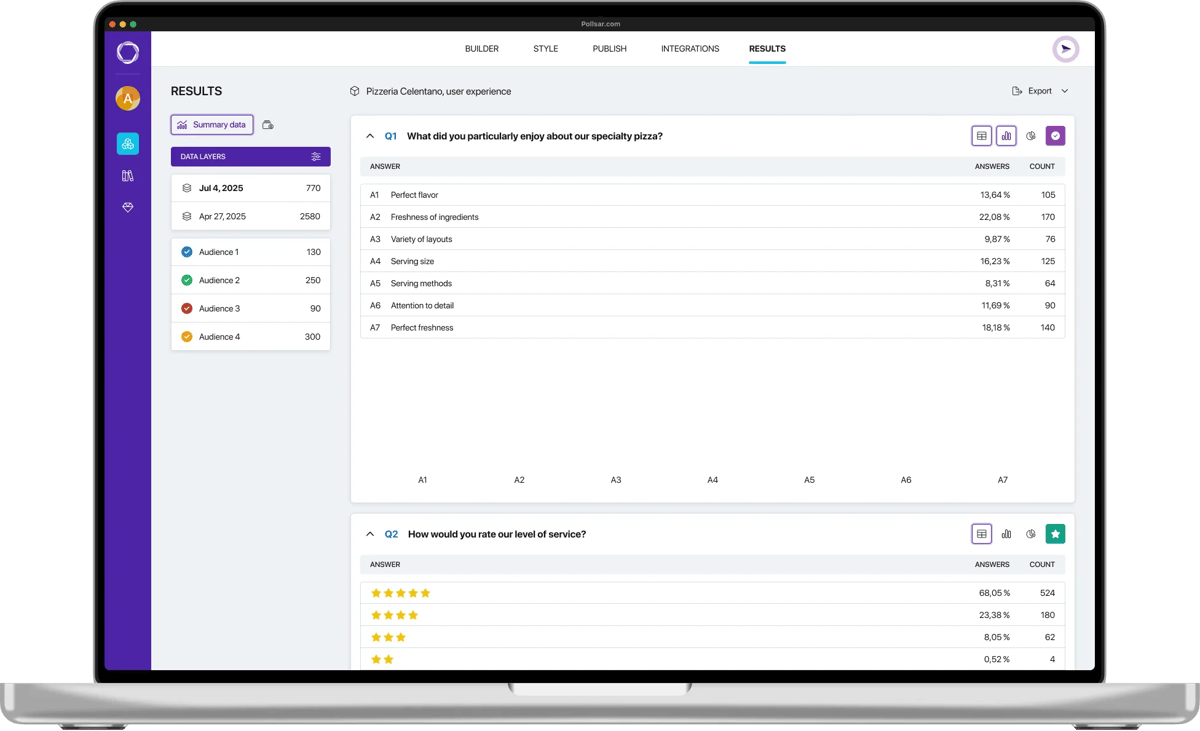
Ask the assistant to read the written answers: it finds what people praise and complain about most, and builds a report with numbers and quotes for your team, partners or sponsors.
How to set up registration
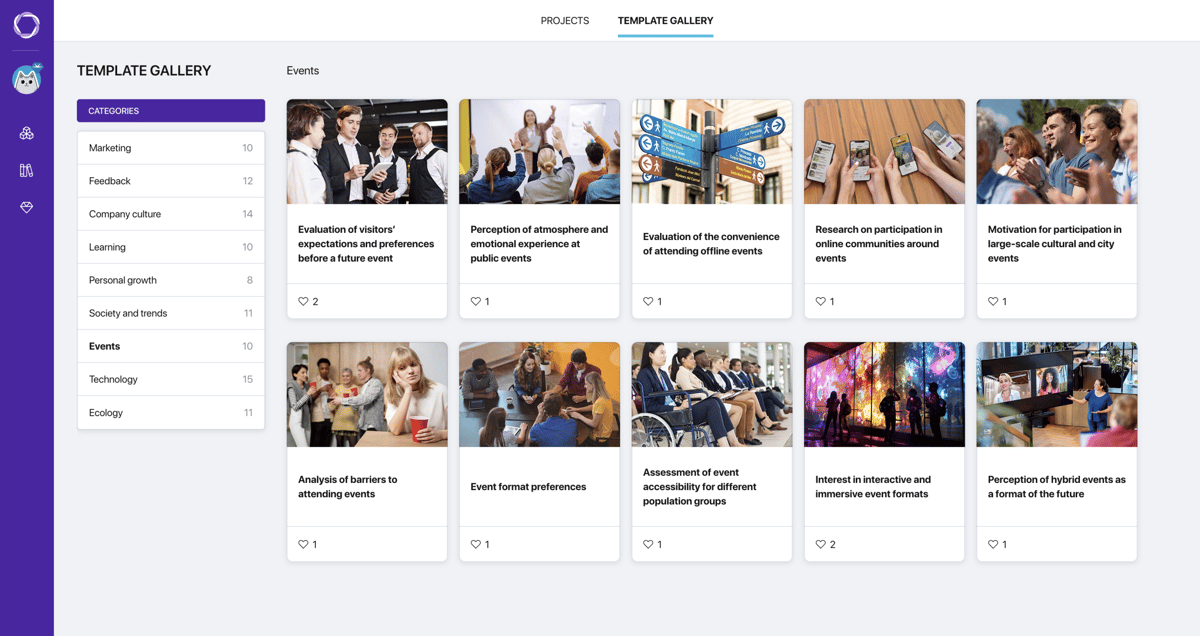
Templates for events

Post-event survey
How the event was organized, what problems people noticed and which events they want next.
Open template
Pre-event survey
Which format suits people, which topics interest them and how long the event should be.
Open template
Event format survey
Which format people prefer, what makes them decide to go and what they'd trade for a great event.
Open template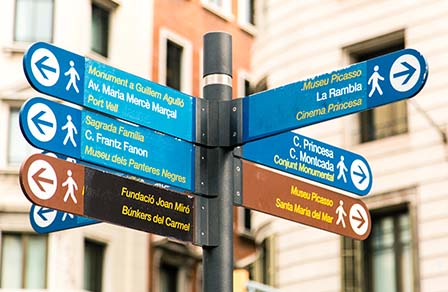
Event venue and logistics survey
How people get to the venue, whether the signage is clear and what to fix in the logistics.
Open template
Why people skip events
What stops people from coming, which conditions decide it and what organizers overlook.
Open template
Hybrid event survey
How people see the hybrid format and what a successful hybrid event needs.
Open template
Interactive event survey
What people expect from interactive formats and what stops them from joining in.
Open template
Event atmosphere survey
Which emotions the event brings out, what spoils the atmosphere and what lifts it.
Open template
Event accessibility survey
Which barriers guests run into and what would make the event more accessible.
Open templateWhy registrations and feedback are easier with Pollsar
You stop counting seats by hand
With Google Forms, someone has to close registration by hand, once there are already more people than chairs. In Pollsar you set the limit once and the form closes itself; each track or day can get its own limit and link.
You see the attendee list while sign-up is open
A new registration arrives as a Telegram or Slack notification, a row in Google Sheets or, through Zapier, a record in your CRM. The whole team works from one table, and nobody passes files around.
You hear attendees while it's fresh
A QR code on the last slide and a link in the event chat bring in answers in the first few minutes after the event ends. The survey takes two minutes on a phone, with no app and no sign-up.
You see whether each event beats the last one
Run the same survey after every event: Pollsar keeps each run's answers separately. When you sit down to plan the next program, you already see which sessions and speakers are gaining ratings and which are losing them.
You show partners the numbers
Average ratings, the NPS score and attendee quotes add up to a report you'll be glad to send to a sponsor or your boss. Export the summary to XLSX and attach it to your next deck.
You open registration for free, with no credit card
Even a 20-person meetup deserves proper registration, not a list in a group chat. So Pollsar asks for no credit card and has no trial that runs out: the form, a QR code for your poster and the summary work right away.
Event registration FAQ
See who's coming
Lists in group chats, “+1” in the comments and a spreadsheet three people edit, and on the day there are people at the door who aren't on the list. Pollsar puts registration in one form, closes sign-ups when seats run out and, after the event, asks what to improve. Your next event is built on what attendees actually told you!