Volunteer application and membership forms for nonprofits
Pollsar is a form and survey tool for nonprofits, clubs, associations and local communities: volunteer applications and shift sign-ups, membership applications, and surveys of members, residents and beneficiaries. The AI assistant builds the form from your description, applications stop getting lost in direct messages, and the numbers for your grant report are ready in the summary.
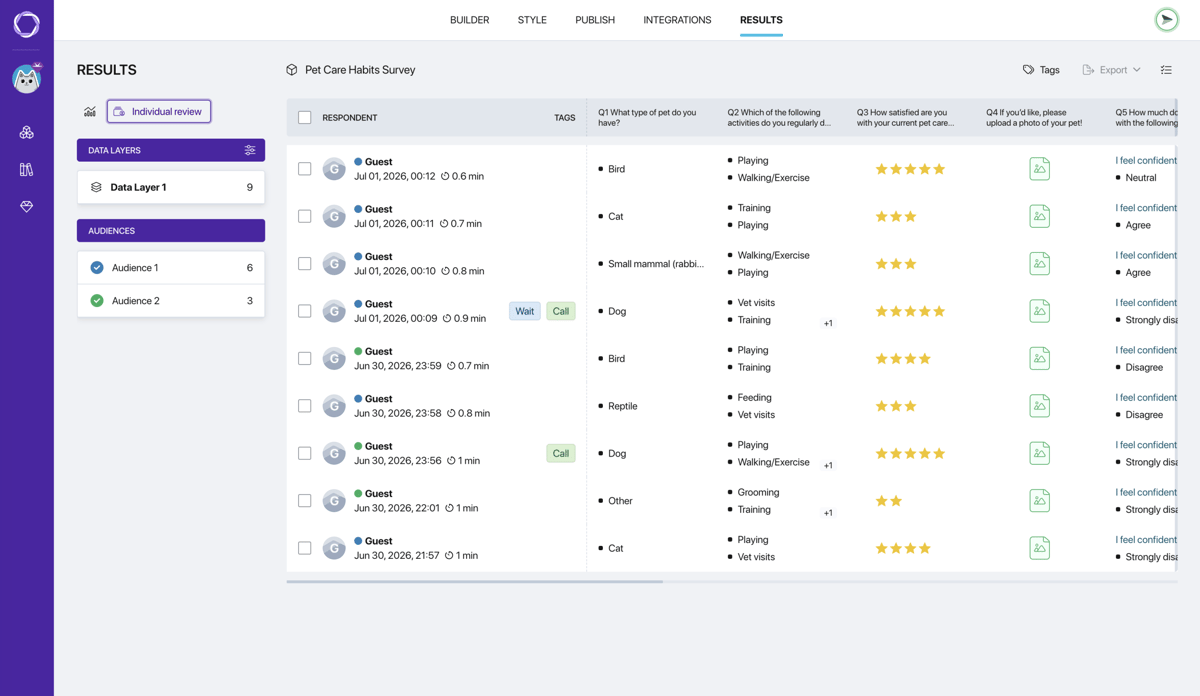
Forms every nonprofit needs
Volunteer application form
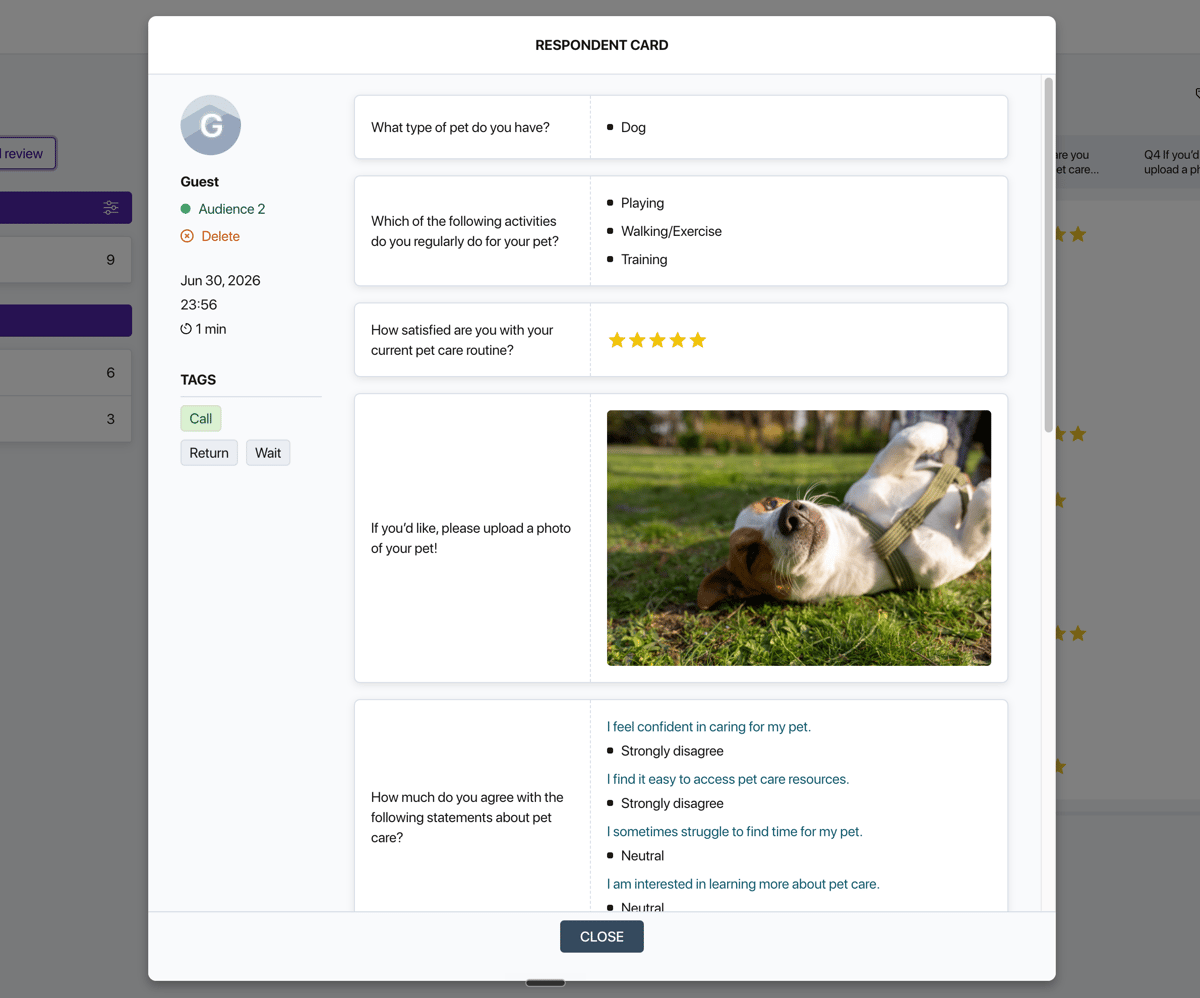
Who the person is, how to reach them, what skills they have, how many hours a week they can give and which causes they care about. Each application is its own tagged card, so the coordinator sees in a minute whom to call for a new task.
Volunteer shift sign-up
Instead of a sign-up sheet everyone edits at once, a sign-up form: people pick a shift or location, and each shift has its own link with a cap on spots. Once a shift is full, sign-up for it closes on its own, so ten extra people don't show up at the warehouse.
Volunteer hours log
After a shift, volunteers enter the date, the number of hours and what they did. Entries arrive as rows in Google Sheets, where hours are easy to total per person for a thank-you letter, a certificate or a community service report.
Membership application
Joining a club, association or nonprofit takes one form: contacts, interests, how the person wants to help and agreement with the bylaws. Applications land in one table, and the board reviews them from a list, not from emails.
Member survey
Once a year, ask members whether they're happy with the organization, what they value, what to change and whether they'd take on more. The NPS score shows how loyal the community is, and Pollsar keeps each year's answers separately, so you see what changed.
Community survey for residents
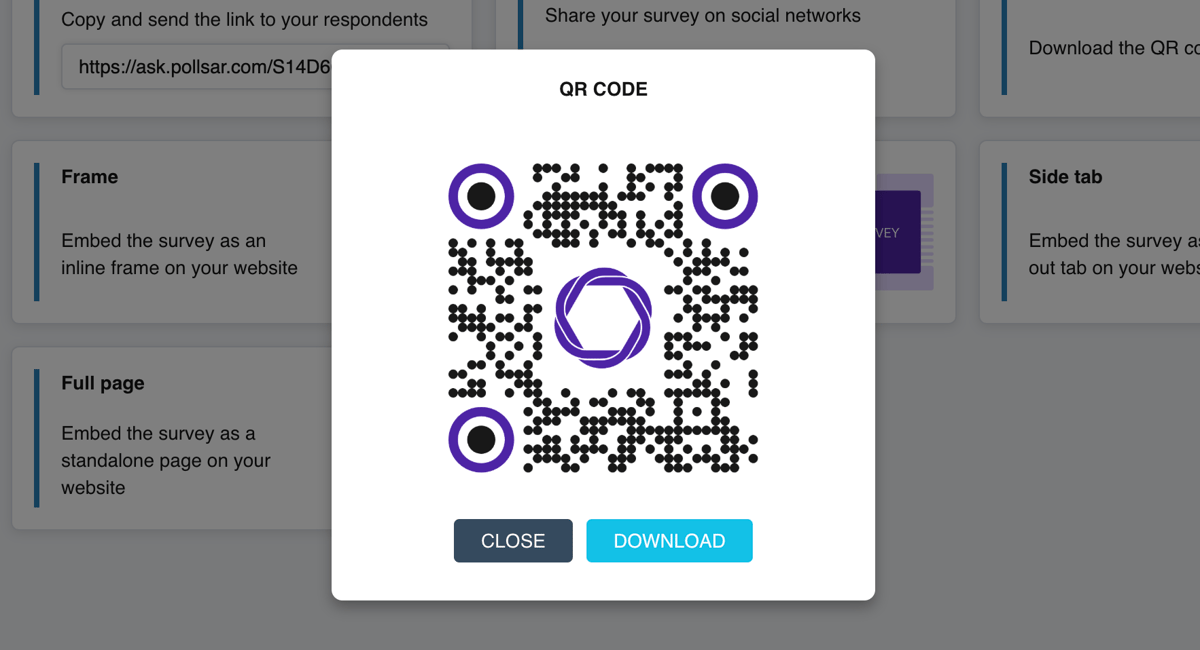
Find out what neighbors think about a playground, a cleanup day or a new bike lane: a QR code on the building notice board, a link in the neighborhood chat. Answers from different buildings and neighborhoods can come in through their own links and be compared in one summary.
Help and donation request form
Take help requests from beneficiaries and donation or sponsorship applications through one form: who is asking, for what and by when. Logic shows the right questions for each type of request, and every application joins one queue with the date and contacts.
Beneficiary and donor survey
Ask the people you helped what changed and what was inconvenient, and ask donors and partners whether it's clear where the money goes. The AI assistant builds the survey for you from a program description, and the findings feed your report to the funder.
Feedback after a charity event
After a charity fair, a fun run or a cleanup day, a QR code at the booth collects ratings from attendees and volunteers: what they liked, what to improve and whether they'll come back. Add a photo from the day right into a question to jog their memory.
AI assistant and reports
Tell the AI assistant: “volunteer application for a food bank: shifts, skills, whether they have a car”. It builds the form for you with questions and answer options, and you can rewrite any question to fit your organization.

The assistant spots a question that nudges people toward the “right” answer, or one that asks about two things at once, and suggests splitting it. In resident and beneficiary surveys this matters most: honest answers beat polite ones.
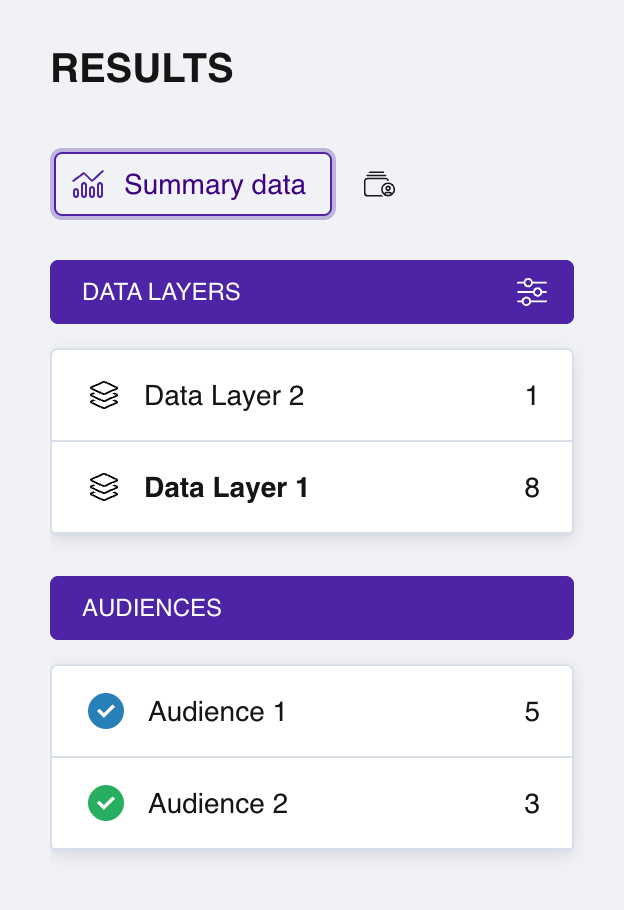
Give volunteers, donors and residents their own links to one survey: Pollsar shows how many answers came from each group and breaks the ratings down by them. You see what pleases one group and what worries another.
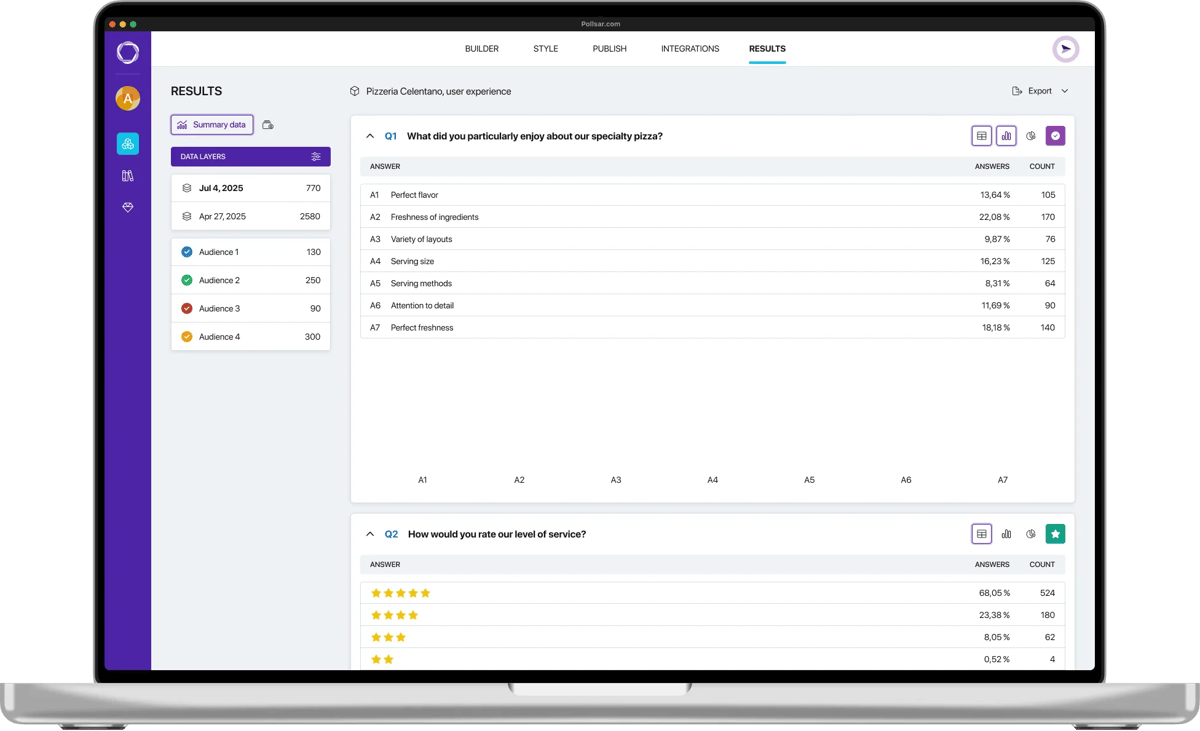
Ask the assistant to read the written answers: it finds the main themes and builds a report with numbers and quotes for your board, partners or a grant application.
How to launch a form
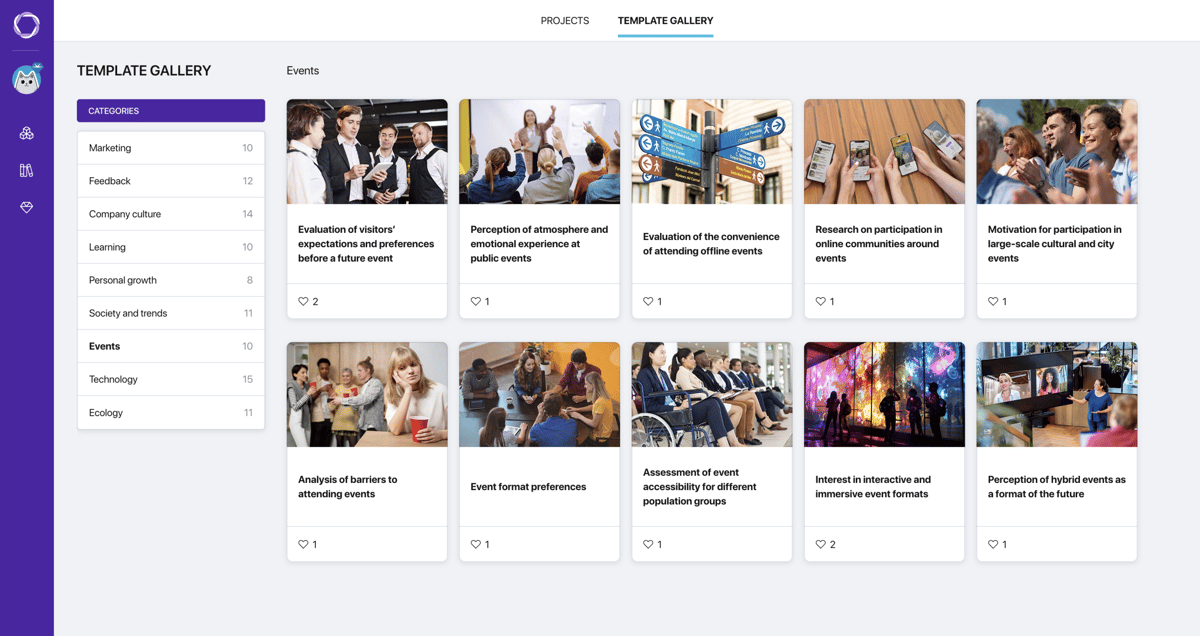
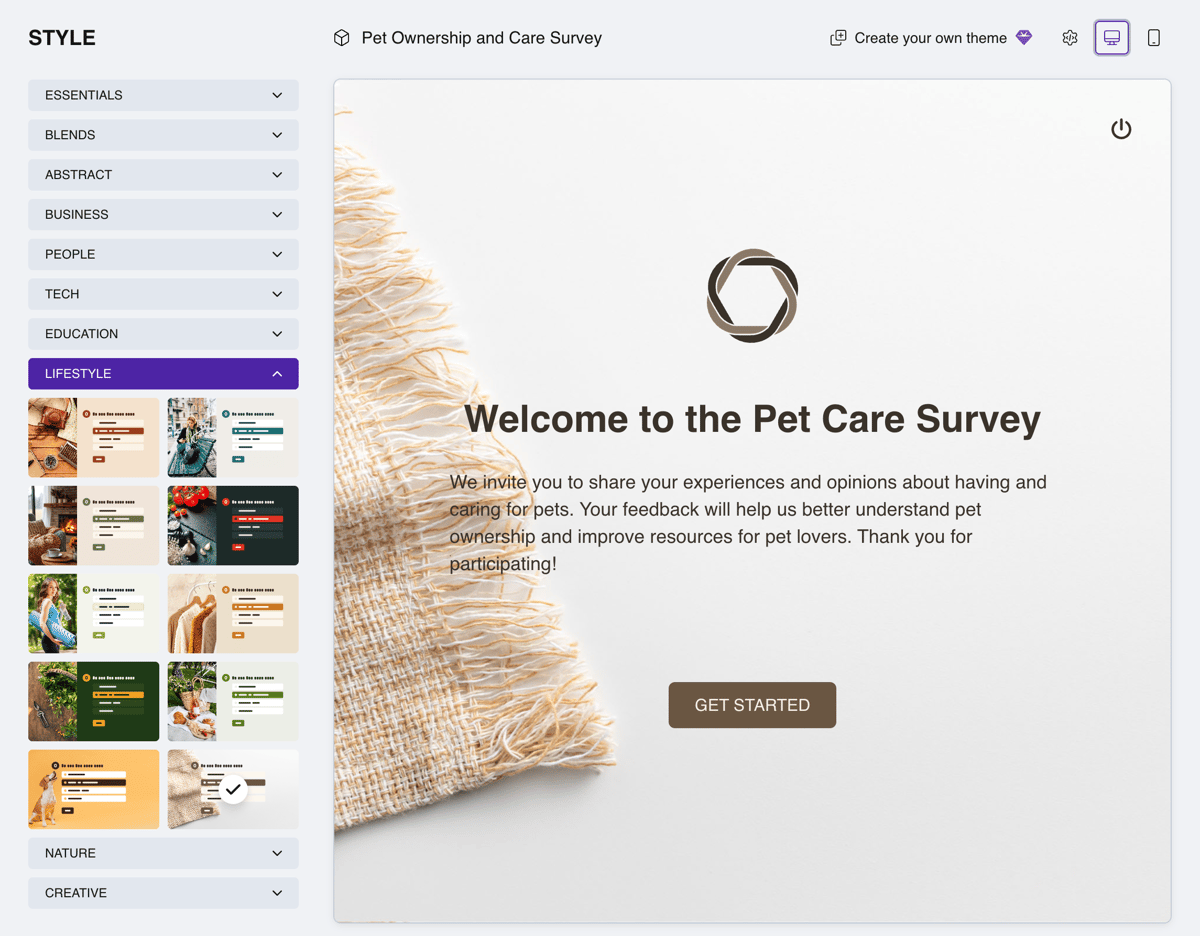
Templates for nonprofits
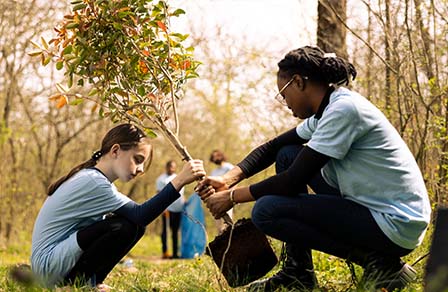
Volunteer survey
What motivates people to help, how often they've taken part and what keeps them from starting.
Open template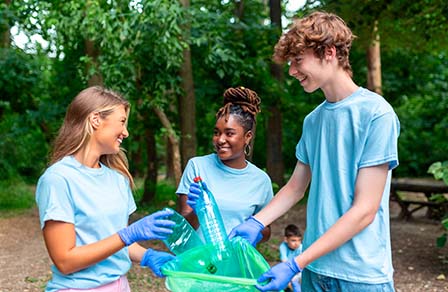
Environmental volunteering survey
Which formats people would join, how much time they'd give and what holds them back.
Open template
Recycling survey
What residents sort, whether there are bins near home and whether they trust it gets recycled.
Open template
Community safety survey
Where and when people feel unsafe in the city and which measures would help them feel calmer.
Open template
Local transportation survey
How people get around town and why they don't walk or bike more often.
Open template
Repair and swap survey
Whether people fix things, pass on what they don't need and what stops them: ask before the swap.
Open templateWhy nonprofits and communities find Pollsar easier to work with
You put dues toward the cause, not software
When a community runs on dues and donations, every expense counts. That's why Pollsar is free to start, with no credit card and no time limit: applications and shift sign-ups work right away.
You don't lose a single application
Volunteers, prospective members and beneficiaries answer through a form instead of messaging the coordinator. Every application sits in one table and doesn't depend on who's on duty today.
You see each group's opinion separately
Volunteers, donors and residents answer one survey through their own links, so the answers don't mix. Neighborhoods and branches compare the same way: you see where people are satisfied and where they want change.
You file reports without hand counting
Volunteer counts, hours, average ratings and the NPS score are calculated for you, and the AI assistant picks out quotes. A funder or board report comes from a ready summary, not from memory.
You reply to volunteers before they change their mind
Each application arrives as a Telegram, Slack or email notification, a row in Google Sheets or, through Zapier, a record in your CRM. The coordinator sees it right away, not when someone finally gets to the inbox.
You hear from the people who pay dues
A member survey can be locked with a PIN, so random people from social media can't skew the answers. The board makes decisions based on the members who actually come to meetings.
Nonprofit forms FAQ
Show impact in numbers
Volunteers message you directly, applications get lost in email, and the funder report is pieced together from memory. Pollsar gathers forms, shift sign-ups and feedback into tables, so you see at once how many people came, how many hours they gave and what changed. Your work becomes visible to everyone who supports it!