Website surveys and feedback forms
Pollsar is a survey tool and form builder for your website: learn what visitors came for and why they didn't buy, and collect questions and leads. The AI assistant writes the questions; Pollsar gives you ready-made widget code you can paste in without a developer and forwards responses to your email.
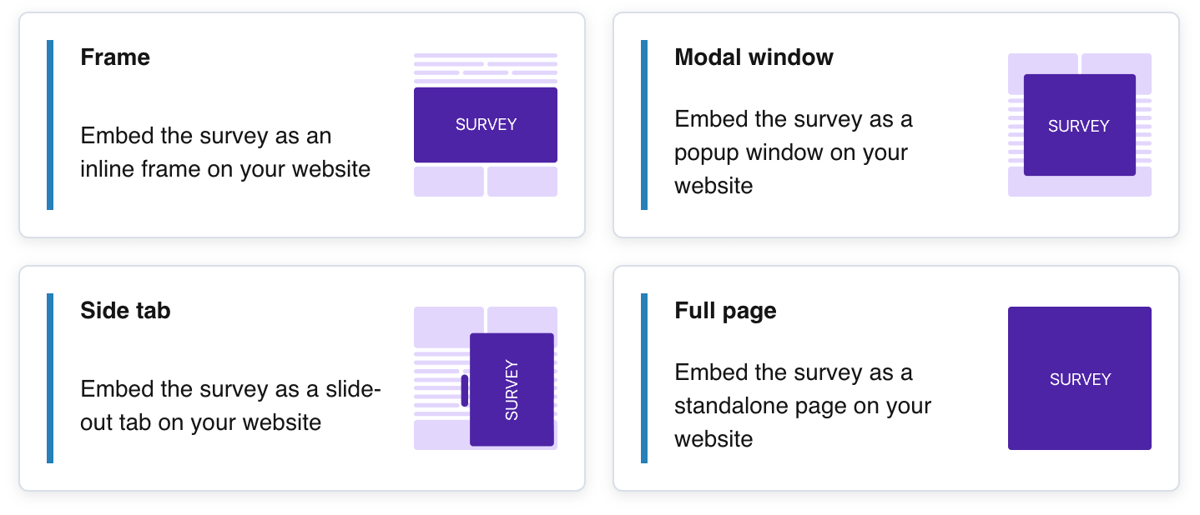
Website surveys, forms and quizzes
Website visitor survey
Ask visitors whether they found what they came for and what was missing on a product page or in an article. A quick poll for readers suggests your next topic, and Pollsar counts the share of each answer for you.
Website feedback form
Name, phone, email with format validation, a message and a screenshot: the form sits as a block on your contact page, and Pollsar forwards every message to your email. Required fields stop anyone from sending an empty form.
Feedback widget and button
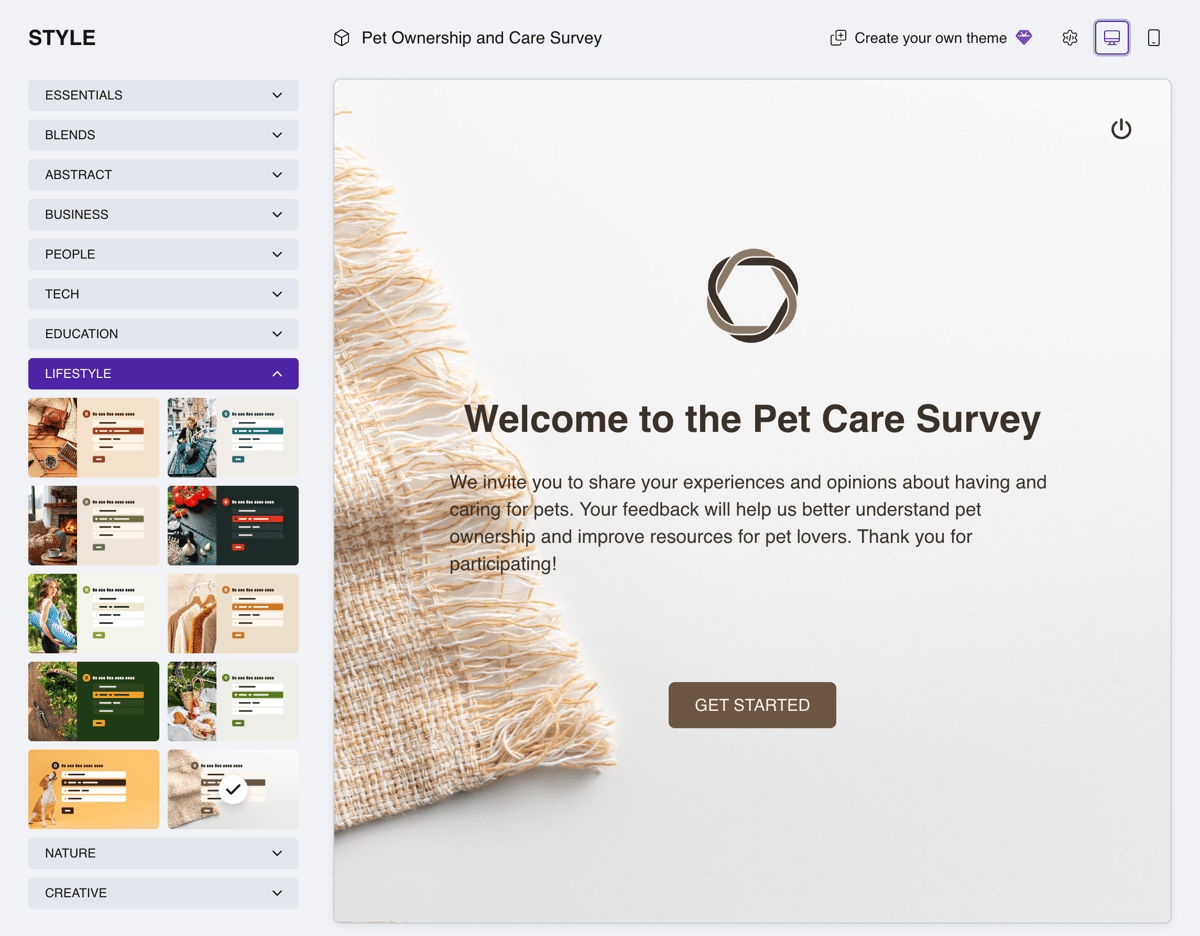
A tab on the edge of the screen or an “Ask a question” button opens the survey or form when the visitor clicks, and a pop-up survey appears on its own after a few seconds or on exit intent. You match the tab's color and icon to your site.
Leads and orders from your site
A request form on your service or order page takes inquiries around the clock, and each one lands in your email or as a row in Google Sheets. Questions about needs, budget and contact details are already in a ready-made request form template.
Website quiz
A finder quiz in your catalog helps visitors pick a product, plan or service: based on the score, Pollsar shows the best match with a link to its page and asks for a phone number last. The marketers' page shows how to run quiz funnels for paid ads.
Why they don't buy, why they leave
Web analytics shows the step where people drop off; visitors themselves tell you why. When a shopper is about to leave the cart, a pop-up shopping experience survey asks what stopped them, and the cancellation page asks why the customer is leaving.
UX survey after a redesign
Ask visitors whether things are easy to find and the navigation is clear, and Pollsar shows the average score of each question. The device question tells you where to look: mobile or desktop. Start with a ready-made UX survey.
Product and feature feedback
Ask users inside the product how satisfied they are and what gets in the way of using it every day. A short question next to a new button shows whether people need it. A ready-made product survey already has the questions.
In-app survey
The tab also works inside your web app's account area. Right after sign-up, ask what people came to get done and what's still unclear to them, then open each user's answers in their own response card.
Get the score and the reason behind it
Describe the page and what you want to learn. Pollsar's AI assistant builds a draft with questions and logic and checks it for leading and double-barreled questions.

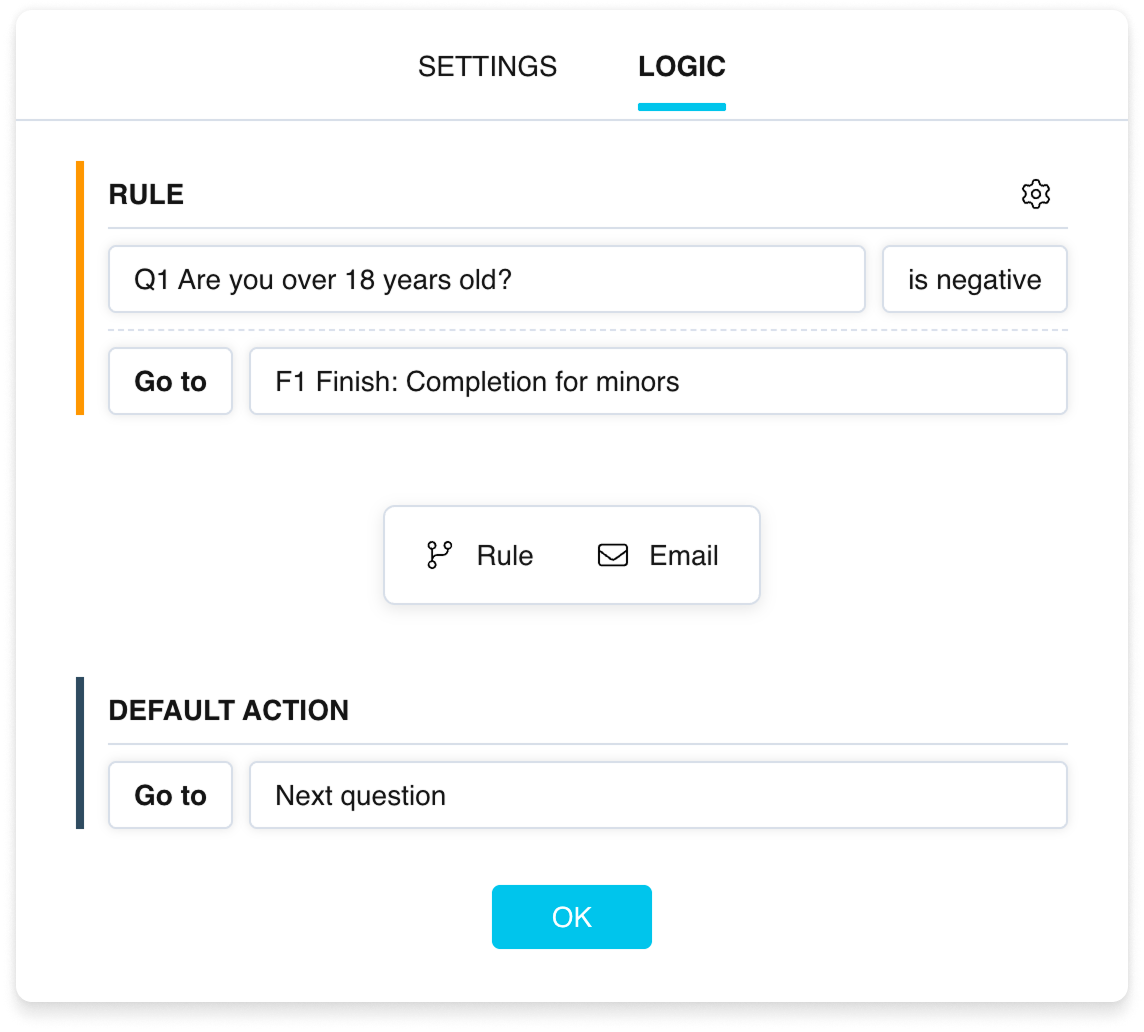
Ask “Did you find what you were looking for?” and anyone who answers “No” gets a second question: what was missing. Everyone else goes straight to the thank-you page.
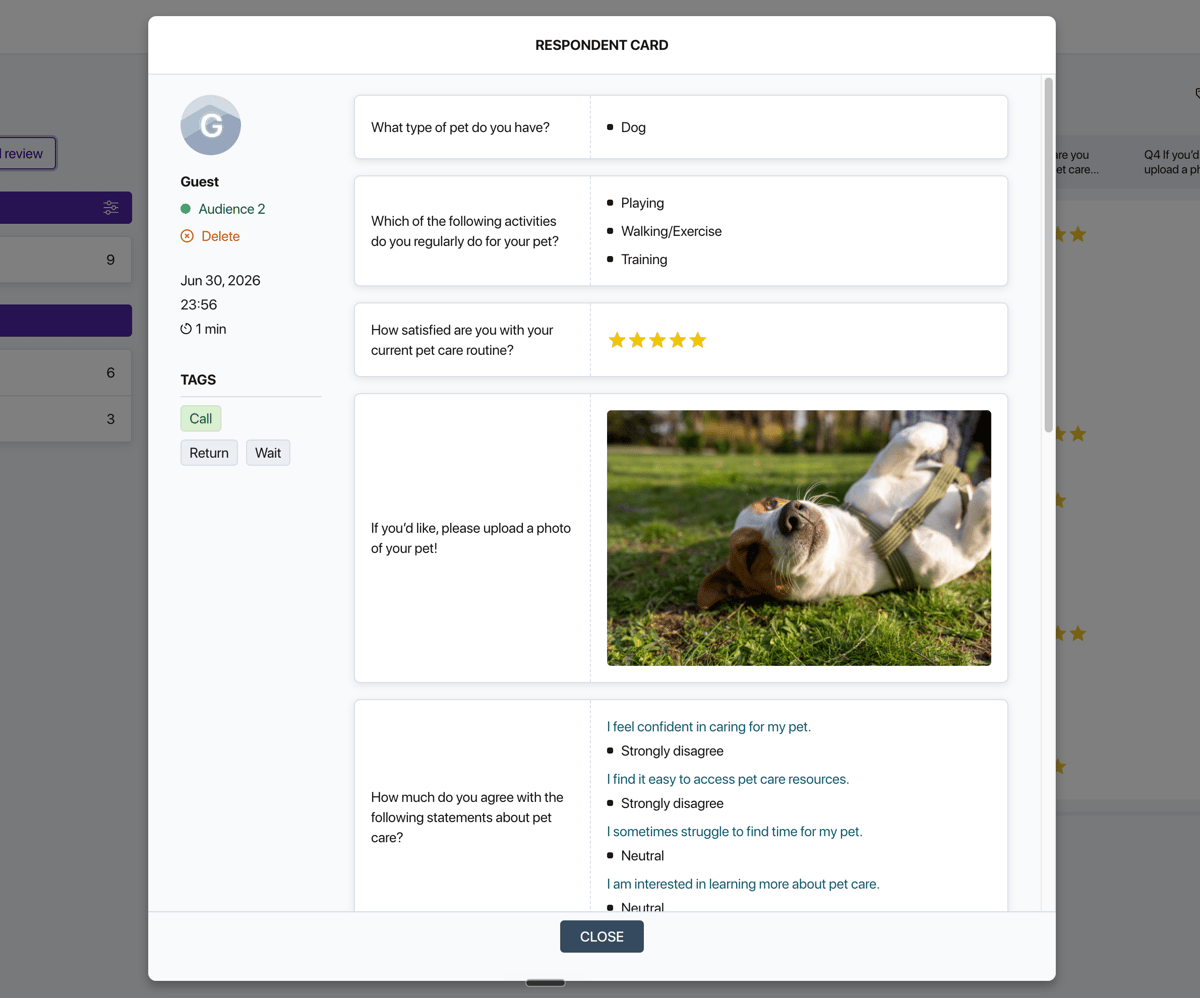
Visitors attach an image or PDF up to 4 MB to their answer, like a screenshot of a button that doesn't work. The file shows up in their response card.
Pollsar forwards every response to email, Google Sheets, Slack, Telegram or your webhook. Set a condition and get only the ones you need, like ratings below three stars.
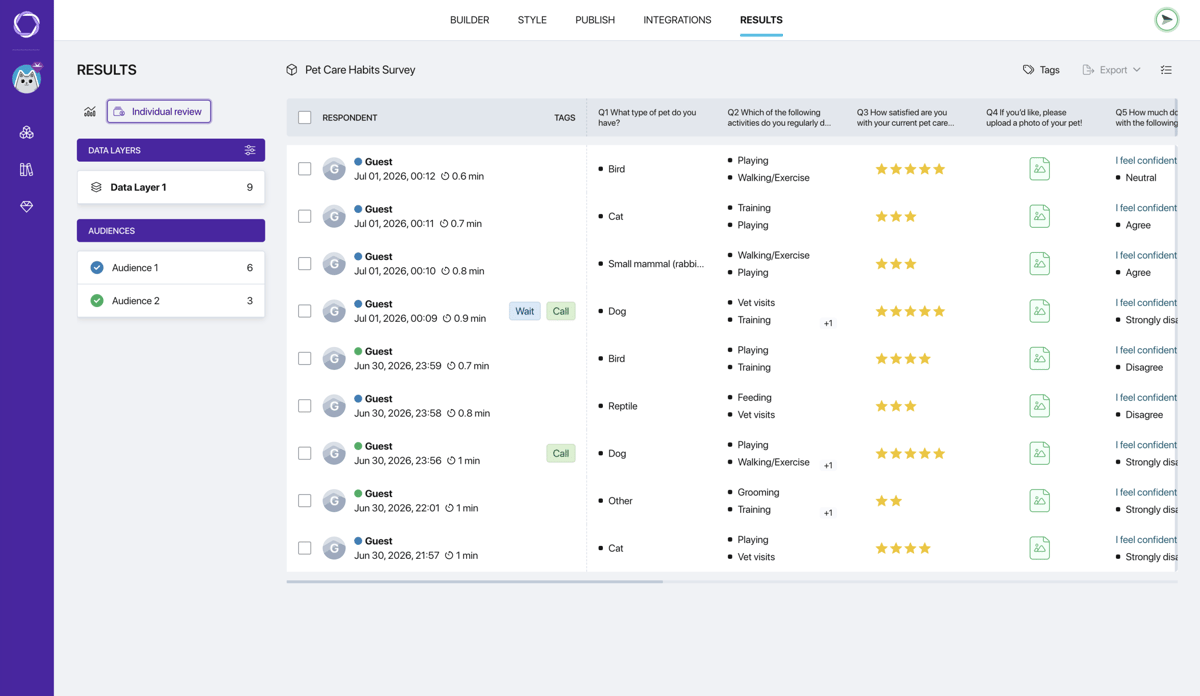
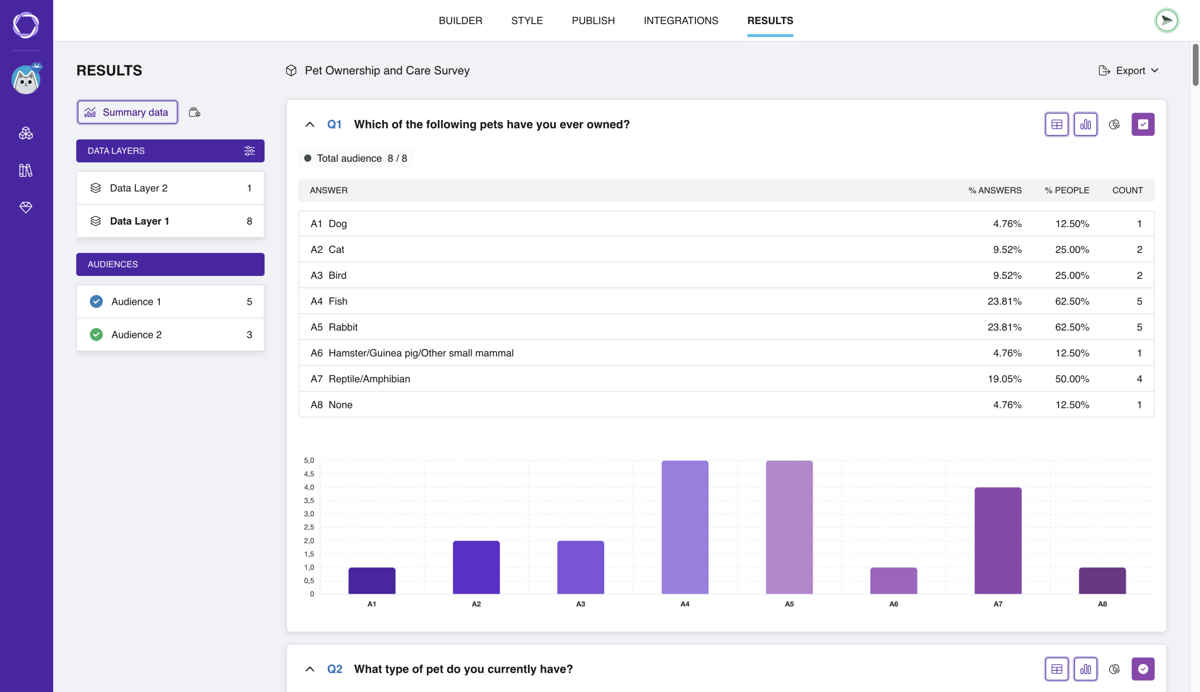
Pollsar builds tables and charts for rating and multiple-choice questions on its own. On request, the AI assistant puts together a report on ratings and selected options: what visitors mention most and what they rate lowest.
How to embed a survey

Ready-made surveys for site pages

Ecommerce survey
Whether prices are clear, whether checkout is easy and why the order wasn't placed. For the cart page.
Open template
Website request form
What the person needs, their budget and an email for follow-up. For an order or contact page.
Open template
UX survey
Ratings for navigation and design, bugs noticed and the device used. For a section after a redesign.
Open template
Customer churn survey
Why people stopped using the service and what would bring them back. For the cancellation page.
Open template
User satisfaction survey
A rating, what fell short and what to improve in your service. For the account area.
Open template
Product update feedback
How useful new features are, issues spotted and ideas for what's next. After a release.
Open templateWhy it pays to run website surveys in Pollsar
You don't pay a developer for a form
Pollsar gives you ready-made code, and email delivery, logic, email validation and file storage already run on Pollsar's side. No need to code a form in HTML or PHP or set up a server.
You get leads and learn what visitors dislike
A basic embedded form only drops messages into your inbox. Pollsar adds a follow-up after a low rating, scored quizzes and a tab in your site's colors, and the AI assistant delivers a ready survey and a report.
You hear from those who'd leave silently
An exit-intent pop-up catches visitors who are about to close the page. You get answers beyond the few who click the tab on their own, and the summary shows what keeps the rest from staying.
You start free, with no credit card
No time limit: the form builder, AI assistant, templates, link, QR code and response summary work right away. Add page embedding, branching and email forwarding when you need them.
You deliver surveys in your client's brand
Their logo sits in the header, Pollsar branding is hidden, and the form looks like part of their site. Colleagues and the client open the results through team seats, with no reports to forward.
You see where visitors get stuck
One survey can go on several pages of your site, up to five: each gets its own code and its own response count. After a release, run a new wave with questions from the product feedback survey.
Website surveys and forms: FAQ
Why visitors don't buy
A visitor made it to the cart and changed their mind? Ask them right there what stopped the purchase. Pollsar counts which reason comes up most, so you know what to fix first. A Pollsar survey costs less than a blind redesign!