Variable system
Variables are a computational mechanism in Pollsar that allows you to collect, store, and use values during survey completion. With variables you can calculate scores, personalize question texts, control branching logic, and create interactive scenarios.
All variables are global — they are available in all parts of the survey at any point during completion. To insert a variable value into a question text, title, or page, wrap its name in curly braces: {variable_name}.
User variables
User variables are created manually by the author in the survey settings (Settings button → User Variables tab).
Creating and configuring
Enter the name of a new variable in the input field. The name can consist of Latin letters, digits, and underscores. If you enter a name in another language, the system will automatically transliterate it to Latin characters.
The default initial value is 0. It can be changed in the variable settings. Variables are untyped — they accept both numeric and text values depending on context.
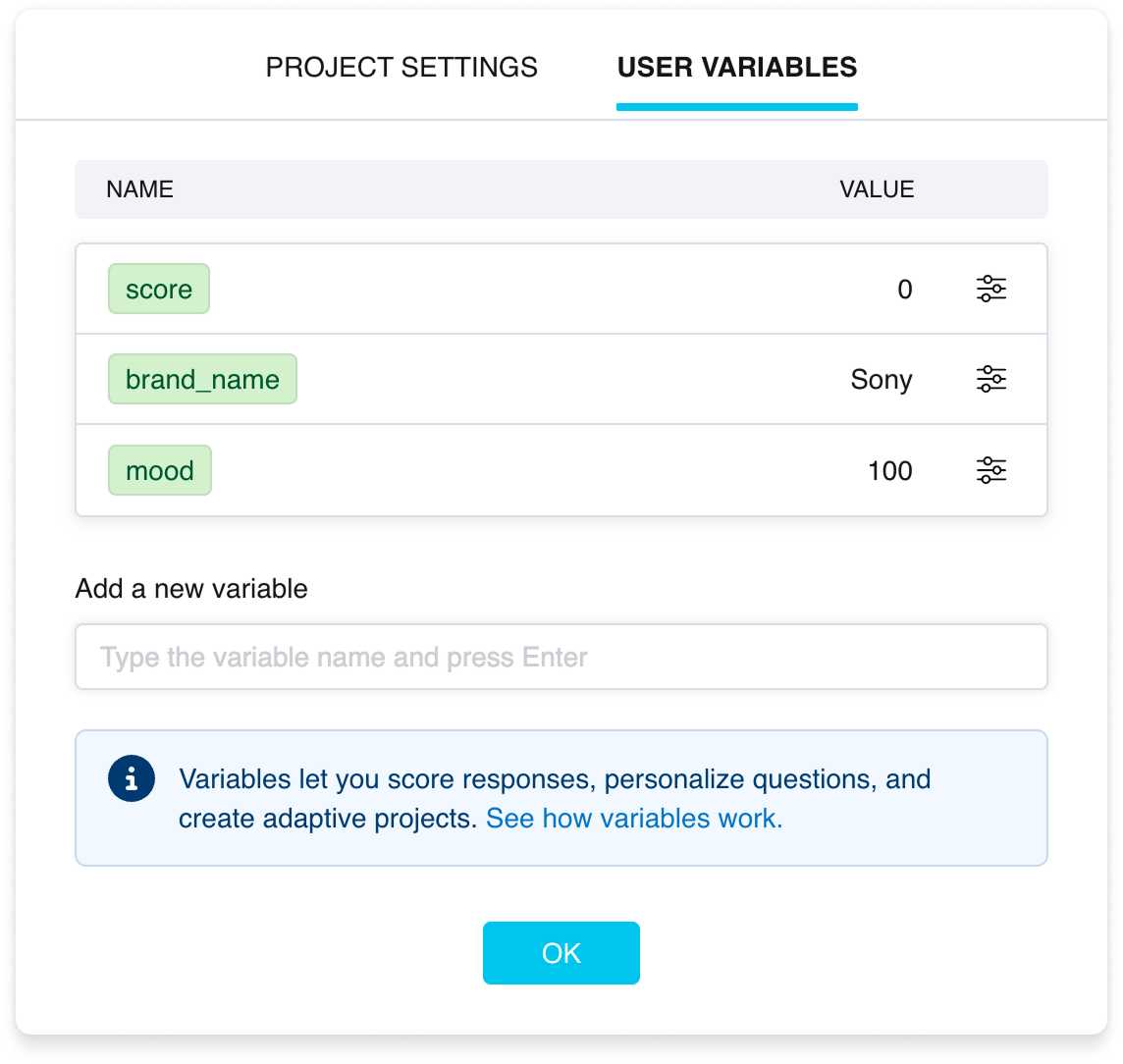
The User variables tab
What you can do with variables
- Assign values — fixed values or from a respondent's answer to a specific question.
- Perform arithmetic — addition, subtraction, multiplication, division.
- Compare — use in branching logic conditions.
- Insert into texts — display the variable value to the respondent directly in questions and survey pages.
More on calculations in the article "Function — calculations with variables". On condition checking — in the article "Rule — conditional rules".
System variables
System variables are created automatically with the survey. Their values are determined during completion and cannot be changed by the author.
- ps_answer_last — the respondent's answer to the previous question. Empty at the start of the survey. Also empty if the previous question contains a complex multi-answer system.
- ps_duration_poll — time in minutes elapsed since the start of the survey. Updated dynamically.
- ps_duration_set — time in minutes allocated for survey completion (if the author set a limit). If no limit is set, the value is 0.
- ps_audience — the name of the audience the current respondent belongs to. Audiences are created at the publishing stage.
System variables can be used in texts and logic just like user variables.
How to distinguish variables in the interface
User and system variables are visually distinct in the interface. In logic settings, user variables are highlighted with a green badge, while system variables have a yellow badge. System variables are also easy to recognize by the ps_ prefix in their name.
In the variable dropdown list (text formatting panel), user variables are shown in green text, system variables in dark text.