Knowledge Base

User profile
Your profile settings store your personal data — nickname, name, avatar, and location. Your nickname and avatar are visible to other users (for example, your team members). All other data is visible only to you.
To open your settings, click your avatar or nickname in the sidebar and select Profile Settings.
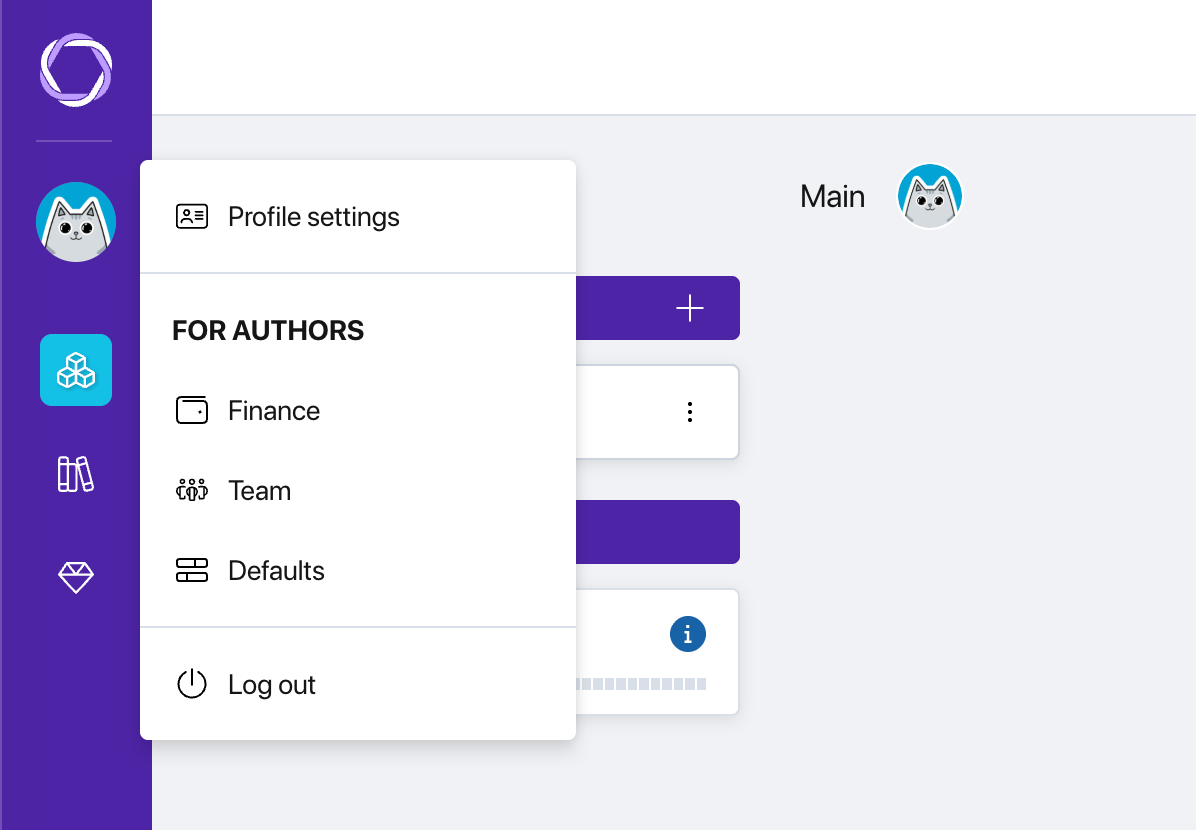
Profile menu
Nickname, name, and location
On the Profile tab you can fill in or change:
- Nickname — displayed in the interface next to your avatar and visible to other users. Set during registration, can be changed at any time.
- First and last name — optional fields, visible only to you.
- Location — three sequential drop-down lists: country, region, city. Fill in as you wish.
After making changes, click OK to save.
Avatar
By default, Pollsar generates an avatar automatically. You can upload your own image by clicking the avatar area in your profile settings.
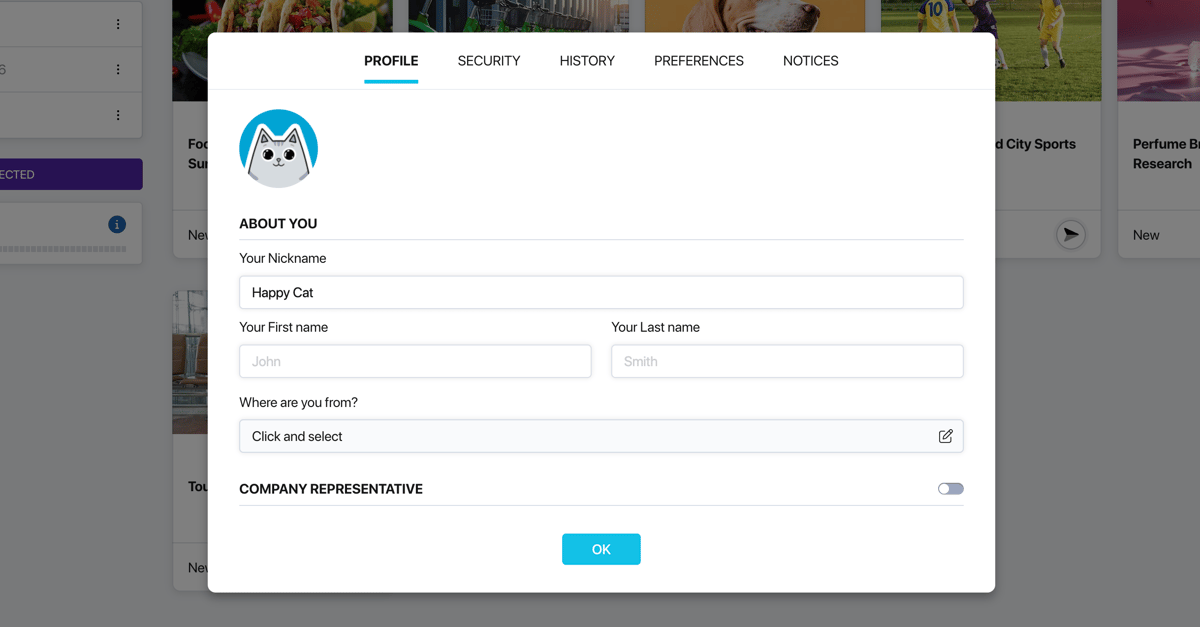
Profile tab
Company details
If you represent an organization, enable the Company Representative toggle. Additional fields will appear:
- Company name — text field.
- Type of business — selected from a drop-down list.
- Position — selected from a drop-down list.
These details are optional and do not affect platform functionality.