Default Settings
Default settings define parameters that are automatically applied to all projects in the Author Workspace. This saves time — you don't need to configure the same things in every survey from scratch.
How to open
Click your avatar in the side menu → Defaults.
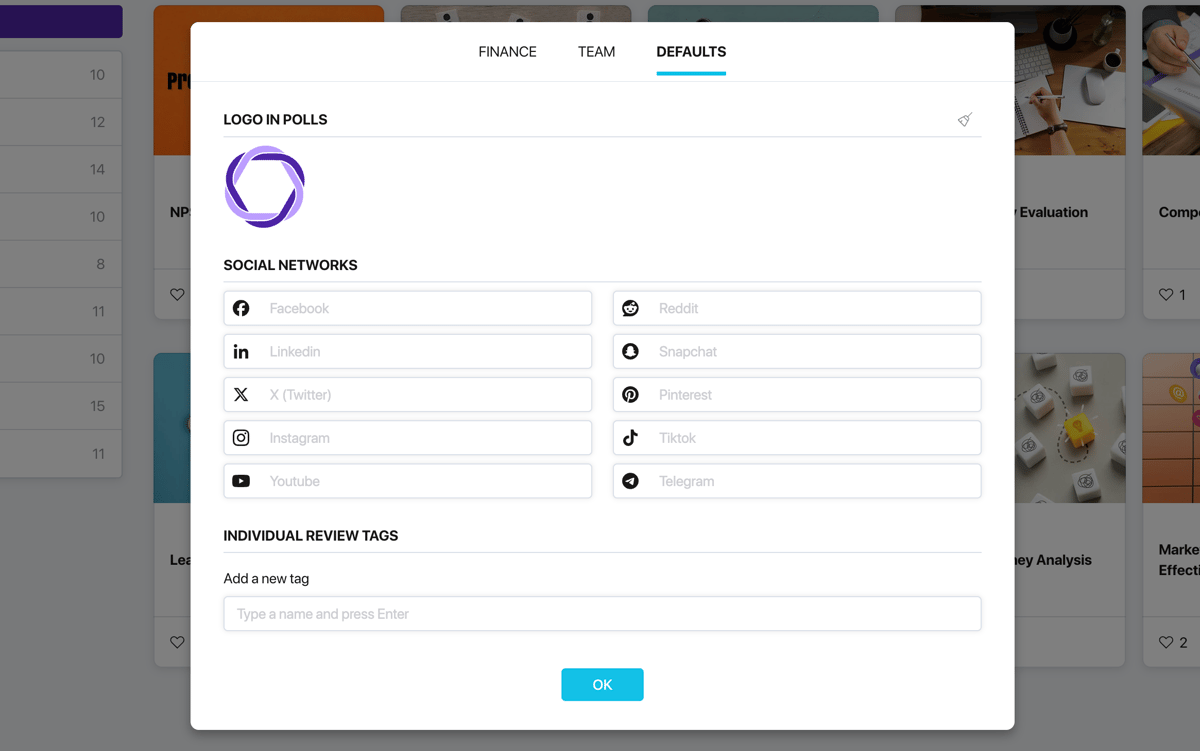
Logo in surveys
The logo appears on the welcome and final pages of a survey. The Pollsar logo is used by default.
To replace it with your own — upload an image. To restore the Pollsar logo — click the reset button next to the section heading.

Social networks
Links to the author's social media profiles for display on the final page of surveys.
Fill in only the fields you need — empty social networks are not shown on the final page.
Individual review tags
Tags for annotating individual respondent responses in the statistics section. Tags created here are available across all projects in the Author Workspace.
To create a tag — type a name in the field and press Enter. Each tag gets its own color. You can change the color or delete the tag through the tag's context menu.
In addition to the shared tags from default settings, you can create extra tags within each individual project. For more details, see the "Individual Reviews" article.